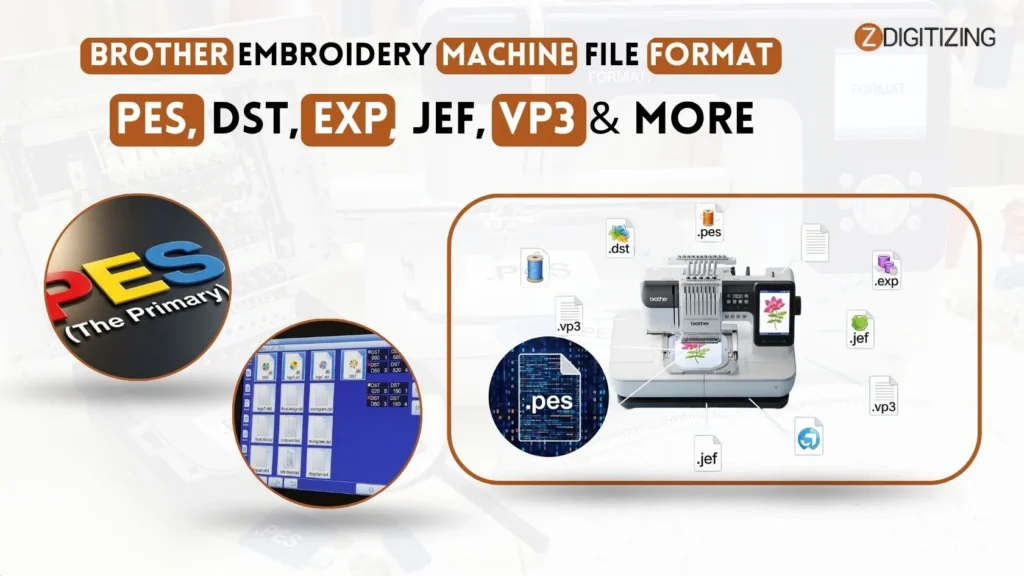
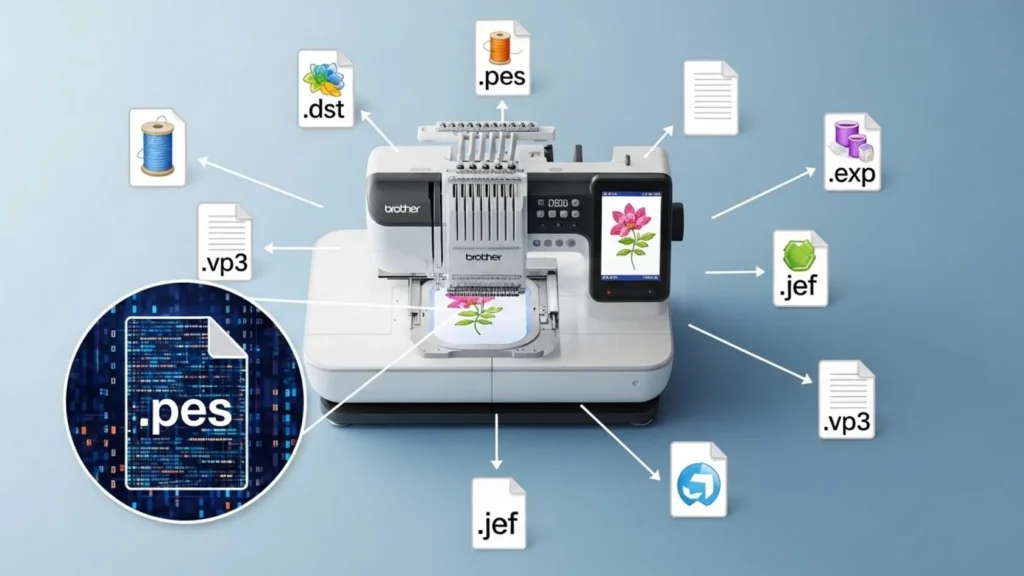
Ever tried loading a cool embroidery design onto your Brother machine, only to see a frustrating “unsupported file format” error pop up? If you’re working with Brother embroidery machine file format issues, you’re not alone, many beginners and pros face this daily. The good news? Brother machines mainly use PES as their go-to format, with strong support for DST, EXP, JEF, and VP3 on most models.
Why Brother Embroidery Machines Use Specific File Formats?
Embroidery machines do not “read” images the way a printer reads a document. Instead, they follow a series of coordinate-based commands. Think of these files as a digital map that tells the machine exactly where to start, where to stop, and when to change colors.
The Brother embroidery machine file format serves as the translator between your computer software and the machine’s internal motor.
Why Brother Embroidery Machines Use Specific File Formats
Because Brother uses a specific set of firmware, their machines are programmed to look for files that contain specific data packets. If the machine cannot decode these packets, it cannot sew. This is why using the correct format is not just a suggestion; it is a technical necessity for smooth production.
Standard Brother Format: Understanding .PES
When working with a Brother embroidery machine file format, the .PES extension is the most widely used and trusted option. When you are looking for a file type for brother embroidery machine compatibility, .PES should always be your first choice.
Standard Brother Format Understanding .PES
This format is proprietary to Brother and Baby Lock machines. It contains not just the stitch data, but also important metadata. This includes information about thread colors, hoop size requirements, and jump stitch trimming commands.
By using .PES Brother embroidery machine file format, you ensure that your Brother machine receives all the “extra” information it needs to run a high-quality design without requiring you to manually adjust settings on the machine’s screen.
While .PES is the star of the show, you might occasionally encounter other file types. Understanding the brother embroidery format options available in the industry helps you avoid headaches when purchasing designs online.
PES (The Primary)
PES (The Primary)
As mentioned, this is the native language of your machine. Whether you are using a Brother SE600 embroidery machine file format or a more advanced model, .PES Brother embroidery machine file format will almost always be the format that works right out of the box.
DST (The Universal Industry Standard)
DST (The Universal Industry Standard)
The DST brother embroidery format is a legacy format used by industrial multi-head machines. Because it is so old, it doesn’t store color data. If you use a DST file on your Brother machine, you will likely have to manually assign your thread colors on the machine screen.
Other Formats (EXP, JEF, VP3)
Other Formats (EXP, JEF, VP3)
Many beginners search for a Brother SE400 embroidery format only to find files in JEF or VP3. These are native to machines like Janome or Husqvarna.
While some Brother machines might handle converted files, it is rarely recommended to use these directly as the conversion process can sometimes lose critical stitch density information, leading to poor results.
How to Determine Which Format Your Machine Needs?
Before you spend time downloading, you should verify the Brother SE1900 embroidery file format requirements for your specific machine. Every model is slightly different, though most share a common compatibility baseline.
The easiest way to check is to consult your user manual. Look for the “Embroidery” section and find the “Supported File Formats” list.
If you no longer have the manual, you can search the official Brother support website using your model number. Most modern machines will list Brother embroidery format support directly on the product specifications page.
File Format
Compatibility with Brother
Best Use Case
.PES
Native (Full Support)
Daily machine embroidery
.DST
Partial (Limited)
Commercial/Multi-head projects
.EXP / .JEF
Not Supported
Must be converted to .PES
Troubleshooting: “File Not Recognized” Errors
One of the most common frustrations is seeing an error screen when you plug in your USB drive. If your Brother embroidery machine format is correct but it still won’t load, consider these three common culprits:
Troubleshooting File Not Recognized Errors
Memory Limits: Older machines have limited onboard memory. If your design is too complex or the file size is too large, the machine might reject it.
File Naming: Keep your file names simple. A brother embroidery file format name like “design_v2_final_final.pes” might confuse older firmware. Rename it to something simple like “flower.pes.”
Corruption: Sometimes, a Brother embroidery machine file format is corrupted during the download or transfer. If you keep getting errors, try re-downloading the design and moving it to the USB drive again.
How to Convert Embroidery Designs for Brother Machines?
If you find a beautiful design but it isn’t in a Brother embroidery files format, don’t panic. You can convert it using embroidery digitizing software.
Programs like Hatch, Embrilliance, or the official PE-Design software allow you to open a non-Brother embroidery machine file format and “Save As” a .PES file. However, be cautious.
Every time you convert a Brother embroidery design format, you risk changing the stitch density or losing compensation settings. Using the right tool ensures that your PES brother embroidery format is optimized for your machine’s needle action.
Best Practices for File Management and Organization
As you grow your collection, your library of designs will expand. Keeping your Brother embroidery machine file format library organized will save you hours of searching.
Folder Structure: Create folders based on the brother embroidery format type or the project theme.
Backups: Always keep a master copy of your designs in their original state.
Version Control: If you edit a design, save it as a new file rather than overwriting the original.
Efficient management of your Brother embroidery files format collection ensures you spend more time stitching and less time troubleshooting.
Conclusion
Knowing which Brother embroidery machine file format to use is a big deal if you want to move from being a confused beginner to a pro. Even though .PES is the best Brother embroidery machine file format to keep your daily projects running perfectly. Learning how to work with other file types means you can pick any design you love without worry.
Remember, a great result isn’t just about the file; it depends on how well the design was digitized in the first place. When you use expert digitizing, you can be sure your machine will stitch smoothly without breaking threads or messing up your pattern.
This is where professional sleeve digitizing services can really help your projects succeed. At ZDigitizing, we have more than 10 years of experience providing high-quality embroidery digitizing services for every type of machine. Our expert team is available 24/7 to make sure your designs are ready for production, and our 24/7 customer support is always here to help.
We value your trust, so we show you a preview of your design before you pay, and we even offer free minor edits to make sure you are happy. Since our prices are already lower than the market, it is easy for anyone to get high-quality work.
Visit ZDigitizing today to see what premium embroidery digitizing looks like and grab 50% OFF your first order. Let our pros handle the technical stuff so you can just enjoy making beautiful things!
Are you looking for embroidery digitizing and vector art services at low cost with superfast turnaround, guarranted quality and preview before pay? So, you are at right place. We can digitize and vectorize any type of artwork in your required file format.