If you want to start a small t-shirt business or print posters at home, the Yudu screen printing machine is a simple, all-in-one setup that makes screen printing easier to learn. Instead of using big equipment and a darkroom, this machine combines everything into one unit, like an exposure light, printing surface, and drying system. You can turn a digital design into a printed shirt in a few hours.
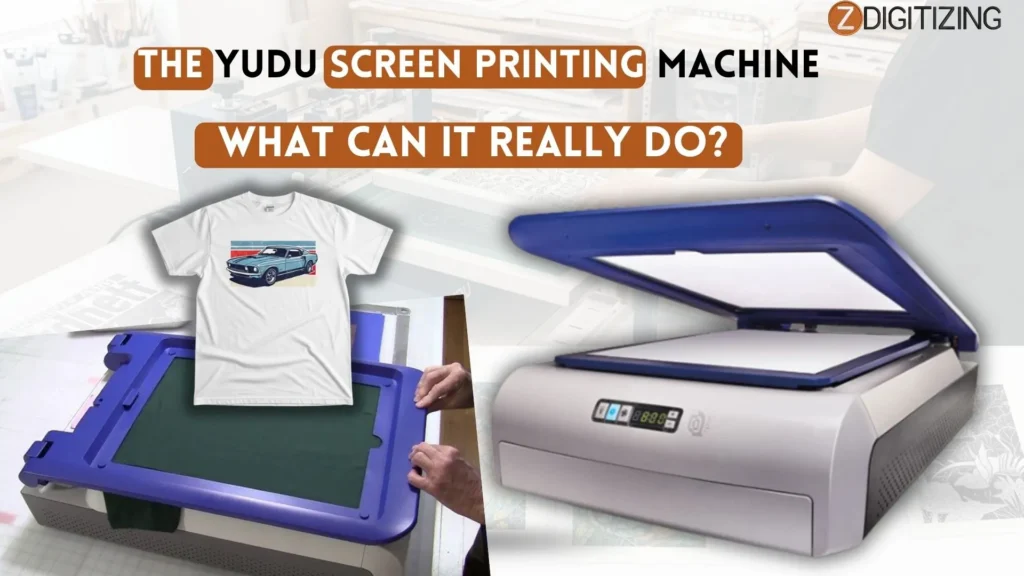
That’s why it’s a good option for beginners who want to avoid the mess and space needed for professional machines.
The Yudu Screen Printing Machine: What Can It Really Do?
What is the Yudu Screen Printing Machine?
The Yudu screen print machine is a small tabletop device that lets you print your own designs on t-shirts, bags, paper, and other flat items at home.
It is made for beginners and combines everything in one system. The Yudu screen printing machine includes exposure, printing, and basic drying, so you don’t need a big setup or separate tools.

Here’s how it works in simple steps. You create your design on a computer and print it on a transparent sheet. Then you place it on a special screen. The machine uses light to transfer the design onto the screen, making some areas hard and leaving other parts open for ink to pass through.
This makes it a very easy way to learn screen printing without needing a darkroom or expensive professional equipment.
Technical Specs: Understanding the Yudu Screen Printing Machine
It is a compact, all-in-one unit made for home use. It is designed for beginners and small projects, not for heavy production. If you understand its specs, you can decide if it fits your space and printing needs.
Basic Size, Weight, and Build
The Yudu screen printing machine is about 32 inches long, 21 inches wide, and around 11 inches high. It does not take much space, so it can easily fit on a table or workbench.
It weighs around 30 pounds, which means it stays stable while printing but can still be moved if needed. The body is made of plastic with some metal support parts. It has:
- A top frame to hold the screen
- A padded base to place your shirt
- A light box inside for exposure
This design keeps everything in one machine, making it easy to use at home.
Screen and Exposure System
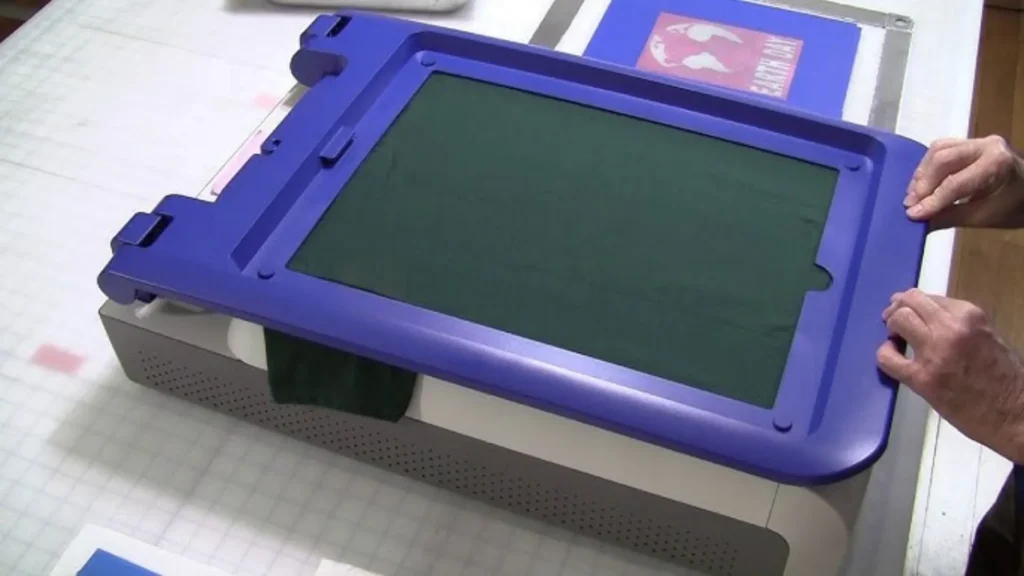
The Yudu screen printing machine comes with a screen that is about 12 × 16 inches. It usually uses a 110 mesh screen, which is good for most basic designs.
This mesh type allows:
- Good ink flow
- Decent detail for simple designs
The built-in light system helps transfer your design onto the screen. You place your design sheet, turn on the light, and wait a few minutes. This removes the need for a separate darkroom.
Platen, Print Area, and Fabric Use
The machine has a flat, padded surface (platen) where you place your shirt. The print area is around 8 × 10 inches, which is enough for:
- Chest logos
- Small designs
- Basic text
The Yudu personal screen printer machine works best with cotton or cotton-blend fabrics. It is not ideal for thick items like jackets or hoodies with zippers.
Because it is a single setup, you print one color at a time. This makes it simple but slower for multi-color designs.
Power, Controls, and Features
The Yudu screen printing machine runs on normal home electricity, so you just plug it into a standard wall socket.
The controls are very simple:
- Light on/off
- Fan for drying
- Basic timer
There is also a small drying area inside to help prepare the screen. The machine is fully manual, so you will:
- Place the shirt yourself
- Align the screen
- Pull the squeegee by hand
This makes it easy to learn, especially for beginners using a home screen printing machine Yudu setup.
How the Yudu Screen Printing Machine Works?
The Yudu printing machine makes it simple to print designs on shirts, bags, and other flat items at home. It combines screen making, exposure, and printing in one setup, so you don’t need a darkroom or big workspace.
The process is easy once you understand it. You create a design, expose it onto a screen, apply ink, and print. After that, you clean the screen and reuse it.
This is why the Yudu screen printing machine is popular with beginners. It gives real screen printing results without a complicated setup.
Step 1: Design Setup and Screen Preparation
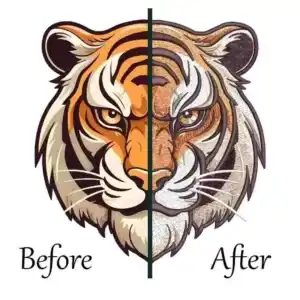
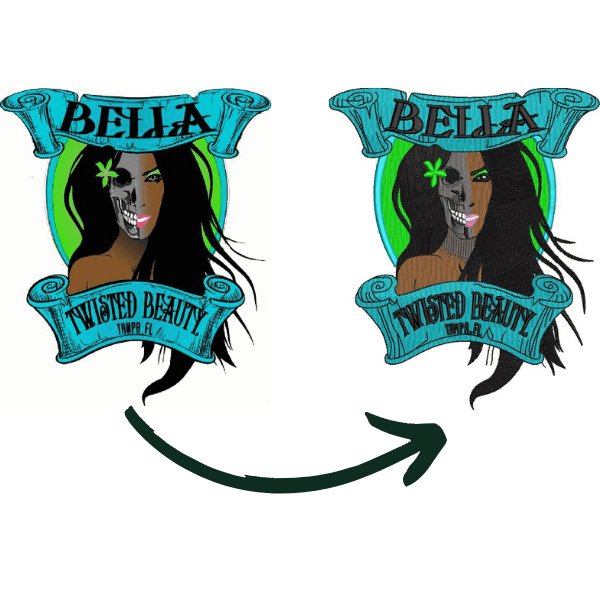
To start, you create your design on a computer and print it on a clear sheet. If your artwork is not clean, you can get it professionally prepared, your design can be vectorized by ZDigitizing, and we can also provide left chest embroidery digitizing for the same design if needed.
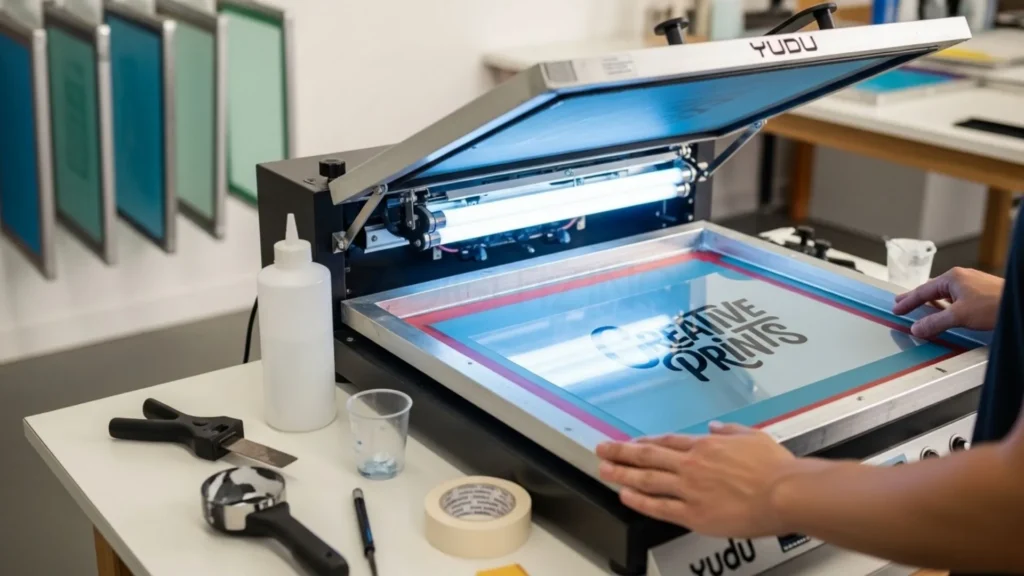
When you turn on the light, the machine transfers your design onto the screen. The light hardens some areas and leaves other parts open so ink can pass through.
This step is very important. If exposure is not correct, your design may not print properly. Even if you are using a cheap Yudu screen printing machine, this step still works well for simple designs when done carefully.
Step 2: Adding Ink and Printing on Fabric
After preparing the screen, you place your shirt or fabric on the flat base. Then you add ink at the top of the screen and pull it down using a squeegee.

The ink goes through the open parts of the screen and creates your design on the fabric. With the Yudu screen printing machine, you control everything by hand, which gives you better control but takes more time.
This process is slower than big machines, but it is perfect for small batches and home use with a screen print machine Yudu setup.
Step 3: Cleaning and Reusing the Screen
Once you finish printing, you wash the screen with water to remove the ink. After drying, you can reuse it for new designs or store it for later.
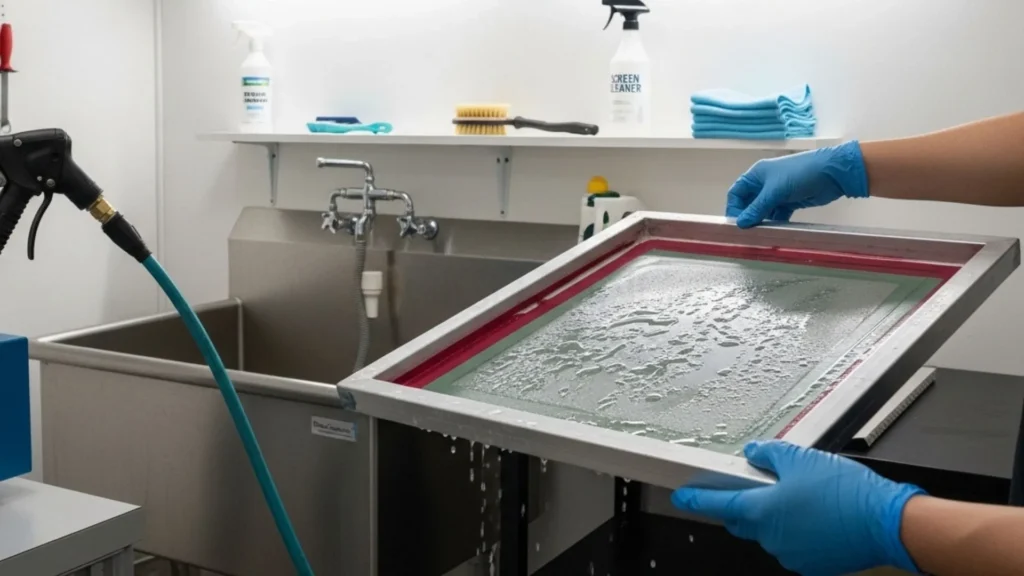
The Yudu screen printing machine is built for repeated use, so you can print many designs over time. With practice, your results improve, and you can create clean and long-lasting prints at home.
If you are starting out or testing ideas, the Yudu machine gives you a simple and affordable way to learn real screen printing step by step.
Essential Yudu Screen Printing Machine Supplies
You cannot just use any supplies with this system. Because the frame is a specific shape, you need Yudu machine supplies that fit the dimensions. While you can adapt some items, sticking to the designed tools will make your life much easier, especially when you are just starting out.
What Comes in the Basic Kit?
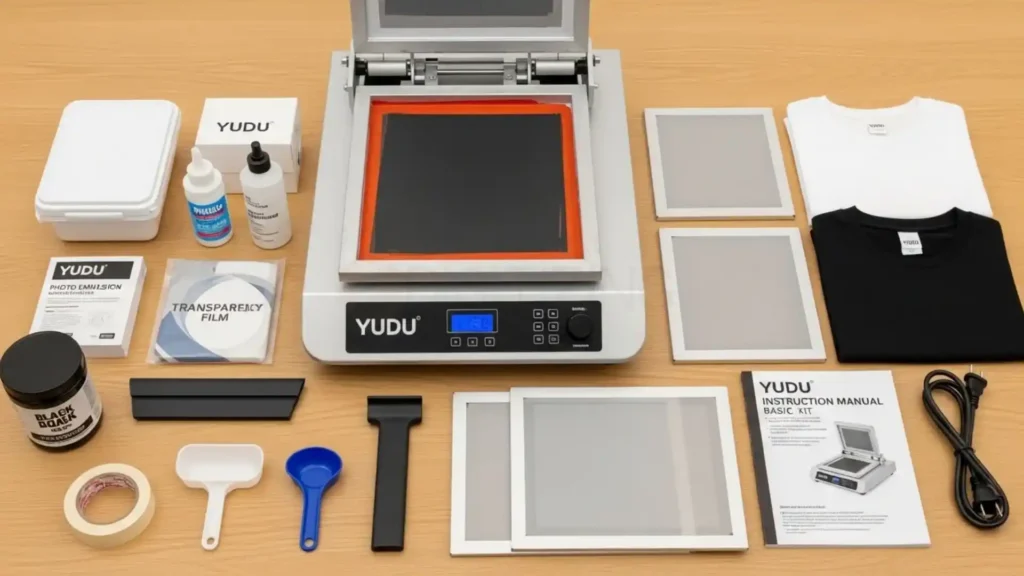
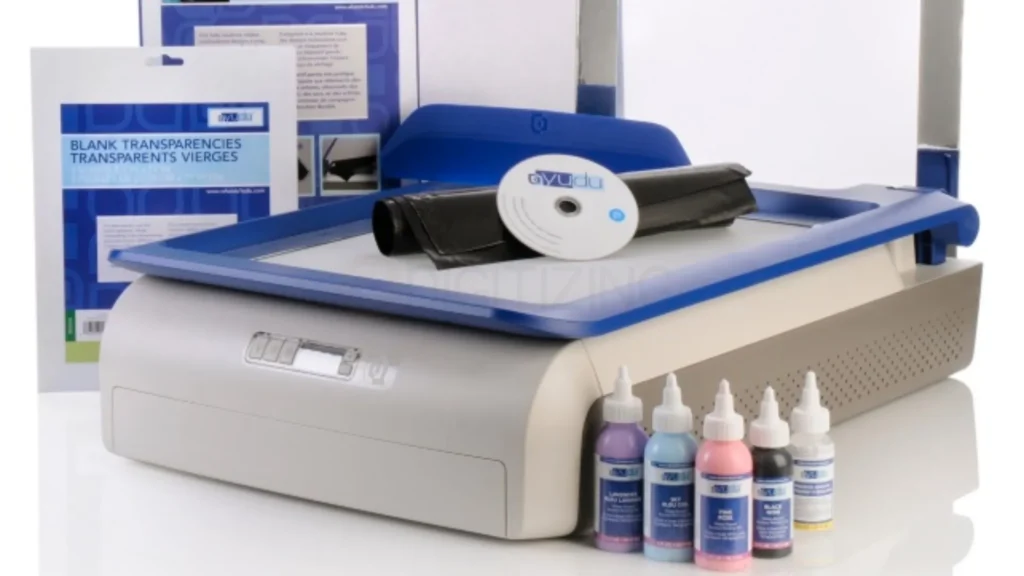
Most kits for the Yudu machine include:
- Main machine unit
- One screen (around 12×16 inches)
- Small squeegee
- Shirt platen
- Few transparency sheets
- Emulsion sheets
- Small ink sample
This is enough to try your first prints. But after a few shirts, you will run out of materials. The yudu screen printing machine supplies in the box are very limited, so you need to buy more for regular use.
Where to Find Yudu Replacement Screens in 2026?
Since these aren’t in every store anymore, look for specialty craft outlets online. You can also find “remeshing” kits.
We have successfully glued new mesh onto old Yudu machine frames using high-strength waterproof adhesive. It takes some practice to get the tension right, but it is a great way to recycle your old frames.
Using Third-Party Inks: What Works and What Clogs
The official Yudu inks are water-based, which is great for easy cleanup. However, you can use any water-based screen printing ink, like Speedball.
We recommend staying away from plastisol inks (the thick, rubbery kind) when using the Yudu screen printing machine because those inks require a high-heat flash dryer to cure, which can melt the plastic platen of the Yudu.
Emulsion Sheets vs. Liquid Emulsion On A Yudu Screen

Emulsion sheets are the “clean” way to work, but liquid emulsion is much cheaper. If you choose liquid, you will need a “scoop coater.”
We found that a 10-inch scoop coater fits perfectly inside the Yudu printing machine screen frame. Just be sure to coat the screen in a room with very dim light to avoid ruining the chemicals.
What Can You Actually Make with Yudu Screen Printing Machine?
The versatility of the Yudu machine is its strongest selling point. While most people think of t-shirts, the possibilities are only limited by what can fit under the screen. We have used our machine to create a variety of items that look professional enough to sell at local craft fairs.
Printing Custom T-Shirts: How Many Washes Do They Last?
If you use quality water-based ink and “set” it with a clothing iron or a heat press, the prints can last for years. We have shirts printed on a Yudu screen printing machine from five years ago that still look vibrant. The key is making sure the ink is completely dry and then heated to about 320 degrees for at least 30 seconds.
Making Posters and Fine Art Prints
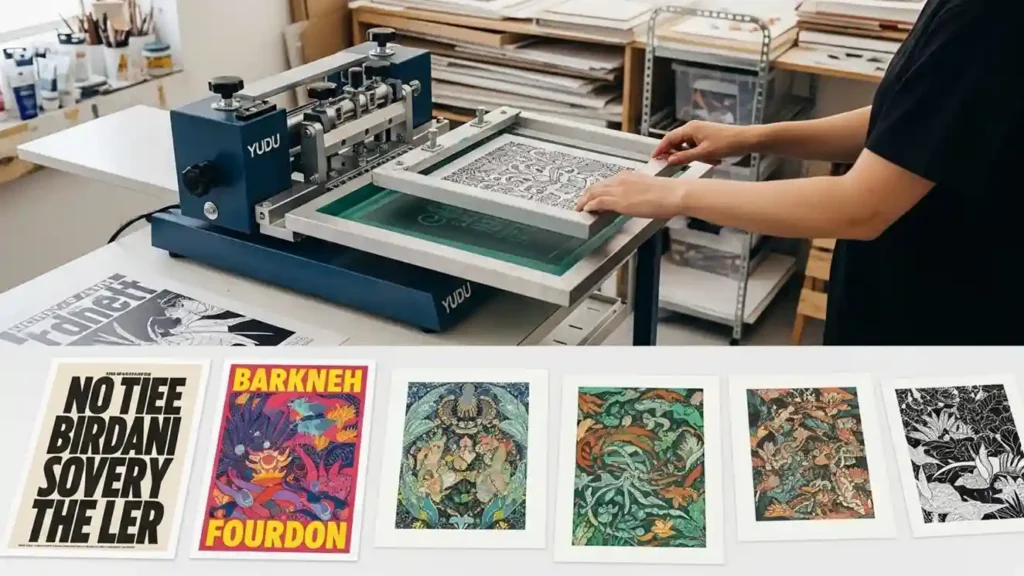
Paper printing is actually easier than fabric printing. The surface is flat and doesn’t stretch. We suggest using a heavy cardstock.
When using the Yudu screen printing machine for paper, you don’t need to press as hard with the squeegee. A light, smooth stroke will give you a clean, vintage look that is very popular in modern home decor.
Printing on Wood, Cards, and Fabric Bags
Tote bags are a great beginner project. They are flat and easy to align. You can also print on thin wood panels for signs. The Yudu machine allows you to adjust the height slightly, but for thick items, you might need to remove the platen and place the item directly on the base.
Good, The Bad, and The Messy (Pros and Cons)
No machine is perfect. In our deep dive for these Yudu screen printing machine reviews, we wanted to be honest about the frustrations. It is a fantastic tool, but it has a learning curve that can be steep for those who expect “plug and play” simplicity.
Why We Love the Space-Saving Design?
In a small apartment, space is king. The fact that the Yudu machine replaces a whole room of equipment is incredible.
When you are done for the day, you can close the lid, tuck the cords away, and it looks like a neat piece of furniture. No other screen printing system offers this level of tidiness.
“Cool Factor” of an All-In-One Station
There is a certain satisfaction in doing the whole process in one spot. You burn the screen, you dry it, and you print it without ever leaving your chair. The Yudu screen printing machine makes the workflow feel more like an art project and less like a construction job.
Struggle with Fine Details and Halftones
If your design has very tiny dots (halftones) or lines thinner than a hair, the Yudu mesh can struggle. Because it is a 110-mesh, it is built for bold designs.
We found that for ultra-detailed work, you need to buy a 220-mesh screen for your Yudu screen printing machine, which allows the fine details to pull through without blurring.
Why the Cleanup Can Be a Headache?
Ink gets everywhere if you aren’t careful. While the machine is plastic and easy to wipe down, the “nooks and crannies” can trap dried ink.
We suggest using a damp microfiber cloth immediately after you finish your last print to keep your Yudu machine looking new and functioning smoothly.
Yudu Screen Printing Machine Price: What You Should Expect to Pay
The yudu machine is no longer sold new by the original manufacturer, so prices today come from used and reseller markets. The original retail price was around $299, but most people now buy used or second‑hand kits.
A basic used machine only (no screens or inks) often sells between $80–$150. A used kit with 1–2 screens and some supplies usually costs $150–$220. A full, near‑new starter setup with extra screens and inks can run $250–$400, especially if the seller is a hobbyist or craft shop.
Remember that the yudu screen printing machine price also includes hidden costs: extra screens, emulsion, ink refills, and cleaning supplies can add $100–$200+ over time. If you find a cheap yudu machine that is missing parts, check whether the savings are worth buying extras. For most home users, a working kit in the $150–$250 range is a fair deal.
Troubleshooting: Common Yudu Problems We Solved
Every user will face a failed screen at some point, it’s a normal part of learning. We have spent hours figuring out why things go wrong with the Yudu screen printing machine so that you don’t have to waste your expensive emulsion sheets.
Why is My Image Not Washing Out?
If the water won’t wash away the design, it means your screen was “over-exposed.” This happens if the light was on for too long or if the room was too bright while you were setting up. Next time you use the Yudu screen printing machine, try reducing your exposure time by two minutes and working in a darker room.
Dealing With “Ghosting” On Your Second Print
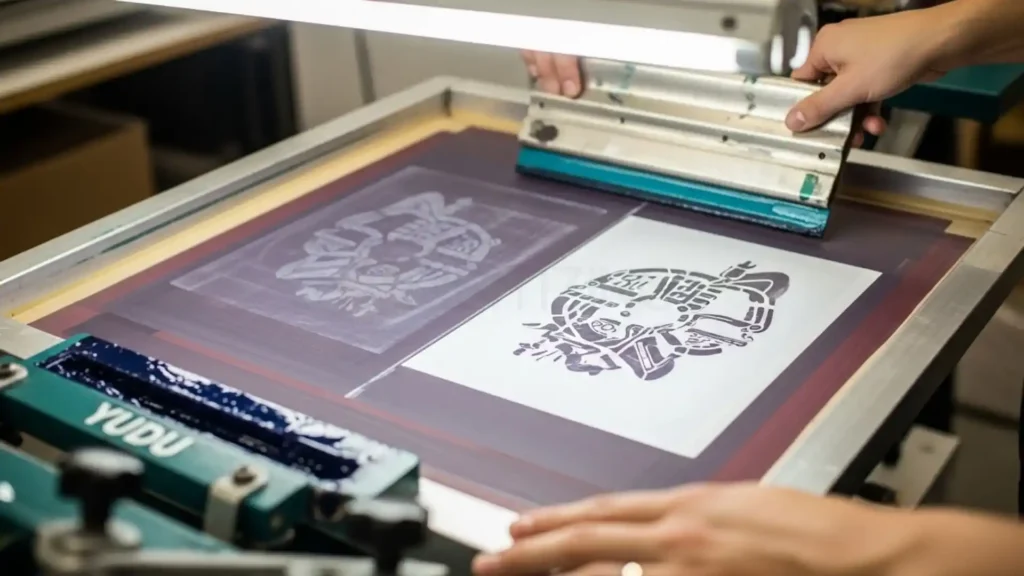
Ghosting is when a faint image of your last print shows up on your new shirt. This happens if you don’t clean the bottom of the screen between prints.
With the Yudu printing machine, always have a damp rag nearby to wipe the “substrate side” of the mesh every few prints to keep things crisp.
How to Fix a Broken Yudu Light Bulb?
The bulbs are standard UV fluorescents. If one goes out, the screen won’t burn evenly. You can find replacements online by searching for the specific wattage and length.
Replacing them in the Yudu screen printing machine requires unscrewing the glass plate, which is a simple five-minute job with a Phillips-head screwdriver.
Advanced Hacks for the Screen Print Machine Yudu
Once you master the basics, you can start to push the limits. The screen print machine yudu is more capable than people think if you are willing to experiment with some “pro” workarounds that we discovered during our long-term testing.
How to Do Multi-Color Prints With Perfect Alignment?
The Yudu has registration marks on the glass. To do two colors, you burn two different screens. We found that taping a piece of clear plastic over your shirt, printing the first color.
Then aligning the second screen over it is the best way to ensure your colors don’t overlap in a messy way on the Yudu screen printing machine platen.
Using the Yudu as a Simple Lightbox for Drawing
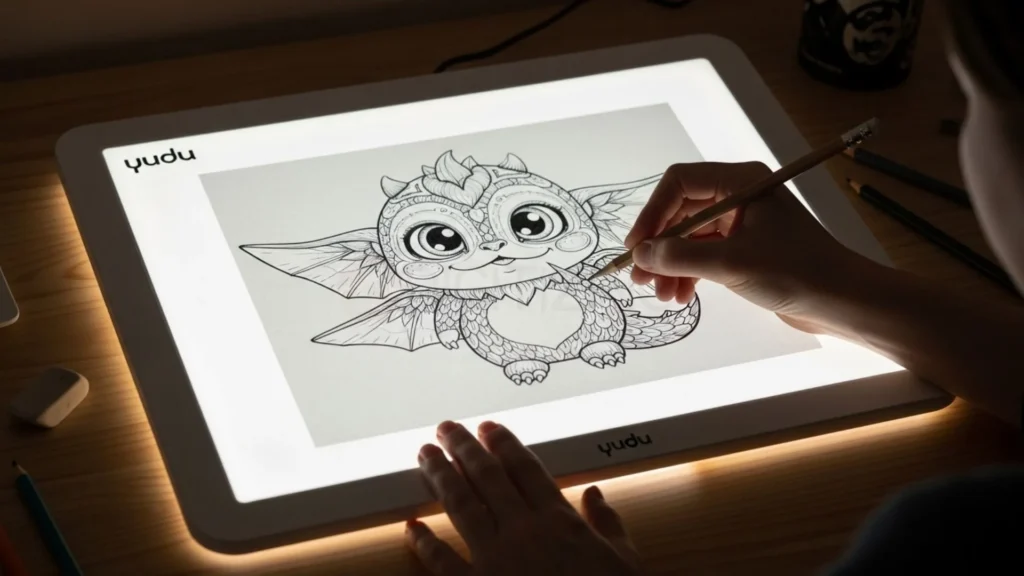
Since the bottom of the machine is a large, even light source, it works perfectly as a tracing table. If you are hand-drawing your artwork, just turn the exposure light on and lay your paper on the glass. The Yudu machine light is bright enough to see through even thick watercolor paper.
DIY Screen Mesh Replacement To Save Money?
You don’t have to throw away a frame just because the mesh ripped. We found that you can buy “mesh by the yard” online. You stretch it over the Yudu screen printing machine frame and use a strong CA glue to hold it in place. This cut our long-term costs by almost 70% and allowed us to use different mesh counts for different jobs.
Final Verdict: Should You Buy a Yudu in 2026?
The Yudu is still a good option in 2026, but only for the right type of user.
If you are a beginner who wants to learn screen printing at home, test ideas, or make small batches, this machine can be a great starting point. It is simple, affordable, and does not require a big setup. You can create basic designs, learn the process, and understand how real screen printing works step by step.
However, if your goal is to start a serious business or produce large quantities, the Yudu will feel limited very quickly. It is slower, has a small print area, and needs manual effort for every print. For professional work, you will eventually need a more advanced setup.
So, the final answer is simple:
👉 Buy it if you want to learn and experiment
👉 Skip it if you want to scale fast and run a business
One more important thing, no matter how good your machine is, your final result depends heavily on your design quality. Many beginners struggle not because of the machine, but because their artwork is not properly prepared for printing.
That’s where we can help.
At ZDigitizing, we provide high-quality vector art services for printing and professional machine embroidery digitizing services in UK, USA, and worldwide. With over 10+ years of experience, our expert team works 24/7 to handle your designs, including urgent orders with fast turnaround.
We make sure your artwork is clean, production-ready, and optimized for the best results, whether you are using a Yudu screen printing machine or any professional setup.
Get 50% OFF your first order and save big on professional-quality designs. Visit ZDigitizing now, upload your design, and get fast, expert service with top results.