For beginners, SewArt embroidery software often appears to be an easy way to start creating embroidery designs, but is it really the best place to begin? The answer depends on what you want to create, how much control you need, and whether you’re learning as a hobby or preparing for production.
This guide compares SewArt and Ink/Stitch beyond feature lists. You’ll discover where each program performs well, where beginners usually struggle, and which option offers better long-term value for creating clean, embroidery machine files. By the end, you’ll know which software fits your goals instead of simply choosing the most popular one.
SewArt Embroidery Software vs Ink/Stitch for Beginners
SewArt vs Ink/Stitch: A Quick Comparison
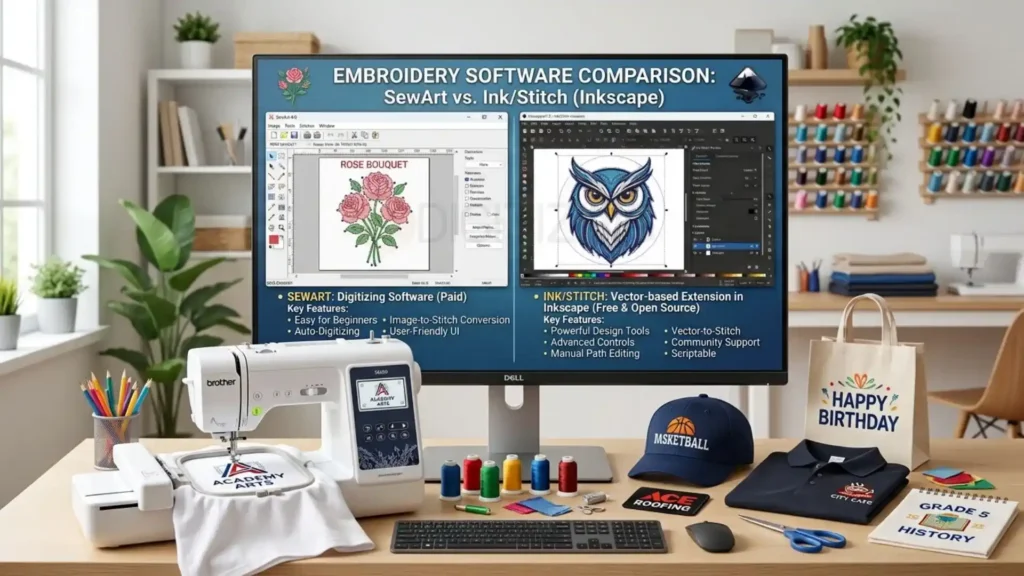
Both programs can convert artwork into embroidery files, but they approach machine embroidery digitizing very differently. SewArt focuses on simplicity through auto digitizing software, while Ink/Stitch gives users more manual control by working inside Inkscape.
Feature | SewArt | Ink/Stitch |
Best for | Absolute beginners | Beginners willing to learn |
Price | Paid software (free trial available) | Completely free |
Digitizing method | Mostly automatic | Mostly manual |
Learning curve | Easy | Moderate |
Editing control | Basic | Advanced |
File output | Multiple embroidery file formats | Multiple embroidery file formats |
Long-term scalability | Limited | Better for skill development |
Key Takeaway: Neither option is universally better. SewArt helps beginners produce simple designs quickly, while Ink/Stitch rewards those who invest time in learning better digitizing techniques. The right choice depends on whether convenience or long-term control matters more for your embroidery projects.
What Is SewArt Embroidery Software?
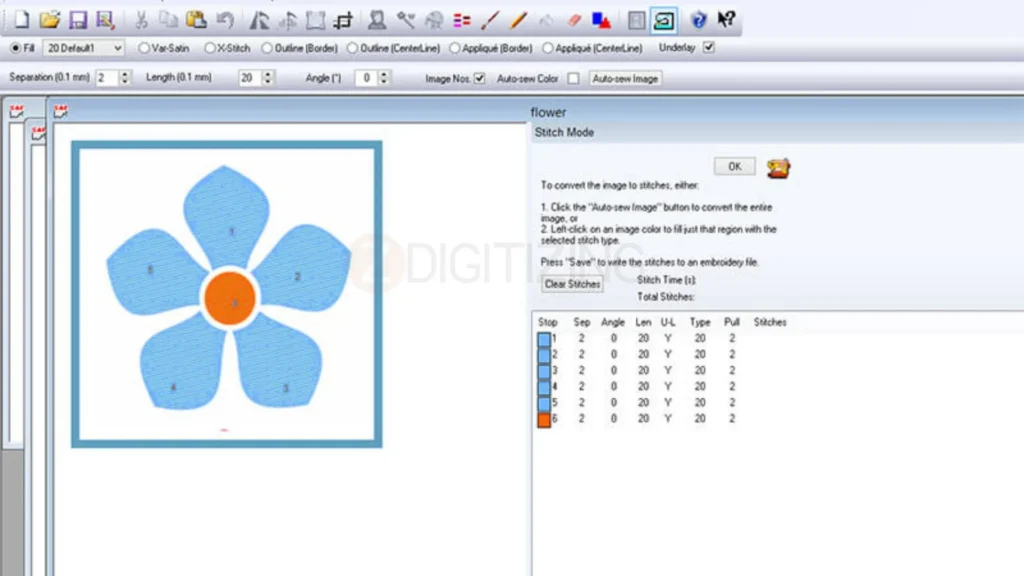
As a Windows-based application, sewArt embroidery digitizing software is designed to convert bitmap images into stitch files with minimal setup. Instead of manually creating every stitch, it automatically detects shapes, assigns stitch types, and exports designs in popular embroidery file formats such as DST, PES, EXP, and JEF.
This makes it a popular choice for hobbyists who want to transform logos, artwork, or simple graphics into embroidery without spending months learning professional software.
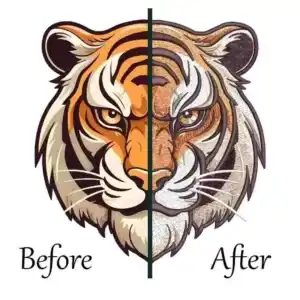
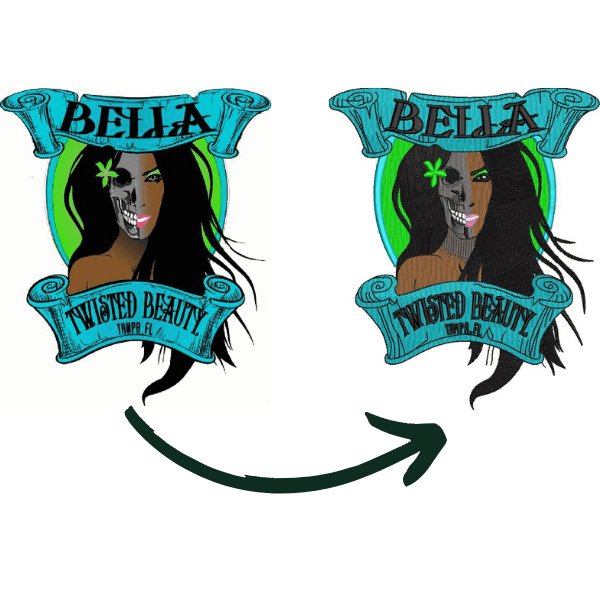
However, automatic conversion doesn’t always create production-ready results. Complex logos, small lettering, gradients, and detailed artwork often require manual adjustments to improve stitch paths, density, and sequencing.
A good way to think about sewArt embroidery design software is as a starting point rather than a complete replacement for professional digitizing knowledge.
Expert Insight: Auto-digitizing can save time during the first draft, but experienced digitizers rarely use the generated file without reviewing and refining it. Clean embroidery depends on stitch planning, not just software automation.
SewArt vs Ink/Stitch: What’s the Real Difference?
At first glance, both programs appear to do the same job—they turn artwork into embroidery machine files. But once you start using them, the difference becomes obvious.
The biggest distinction is how each program creates a design.
SewArt embroidery software relies heavily on automation. You import an image, adjust a few settings, and let the software generate stitches for you. It’s designed to reduce the amount of manual work, making it attractive to beginners who want quick results.
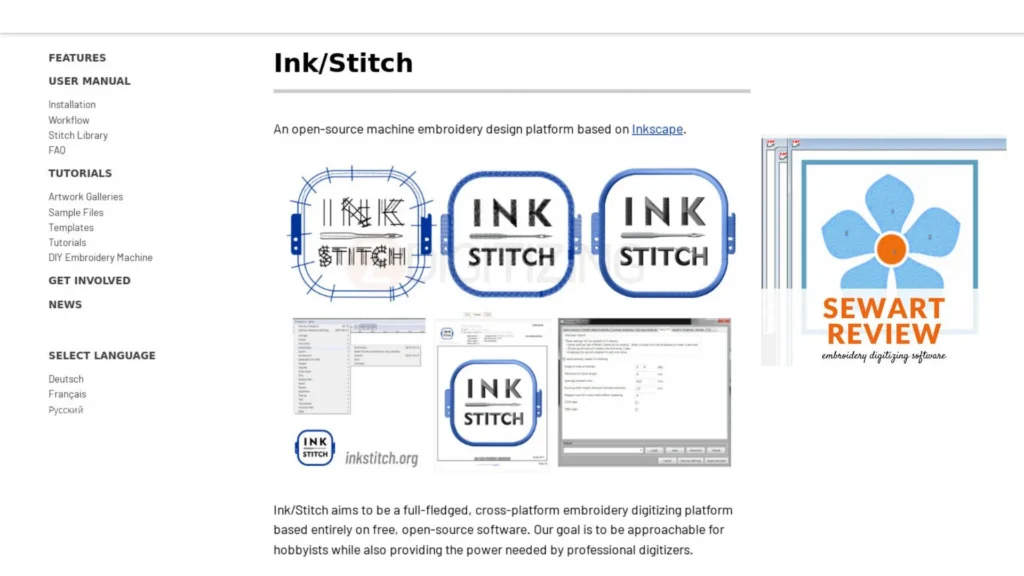
Ink/Stitch takes a different approach. Built as an extension for Inkscape, it encourages users to create and edit stitch objects manually. That means more learning in the beginning, but also much greater control over the final embroidery.
For simple logos or hobby projects, SewArt can produce usable results in minutes. However, when designs include small lettering, layered objects, or complex stitch sequences, manual editing becomes increasingly important, and that’s where Ink/Stitch has the advantage.
Here’s the difference in simple terms:
If you want to… | Better Choice |
Learn quickly with minimal setup | SewArt |
Understand machine embroidery digitizing | Ink/Stitch |
Create simple hobby designs | SewArt |
Build long-term digitizing skills | Ink/Stitch |
Have more control over stitch quality | Ink/Stitch |
Spend less time learning | SewArt |
Key Takeaway: Think of SewArt as a shortcut and Ink/Stitch as a learning tool. One helps you get started faster, while the other teaches you why embroidery stitches behave the way they do.

Ease of Learning: Which Software Is Better for Beginners?
One reason SewArt embroidery software remains popular is that beginners can start creating designs without spending weeks learning professional digitizing techniques.
The interface is straightforward, and most tools are designed around a simple workflow: import an image, clean it up, assign stitch types, preview the result, and export the file. If your goal is converting images to embroidery files for personal projects, you’ll likely feel comfortable within a short time.
Ink/Stitch requires more patience.
Because it works inside Inkscape, you’re learning two tools at once: vector editing and embroidery digitizing. New users often need time to understand objects, paths, layers, stitch parameters, and sequencing before producing consistent results.
That extra effort pays off over time.
Instead of depending on auto digitizing software, you learn how stitches should be placed based on fabric, design shape, and embroidery physics. Those skills transfer to advanced software like Hatch, Wilcom, and other professional platforms.
Pro Tip: If you’ve never used vector graphics before, spend a little time learning basic Inkscape tools first. Understanding paths and nodes makes Ink/Stitch much easier to learn and significantly improves your embroidery results.
Which Software Produces Better Embroidery Quality?
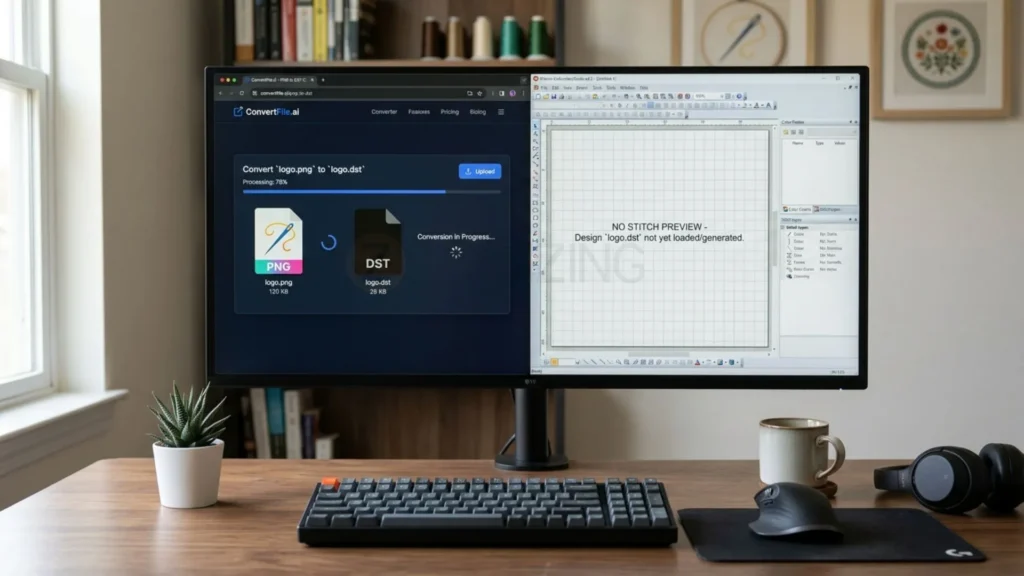
Choosing between SewArt embroidery software and Ink/Stitch isn’t just about features—it’s about the quality of the stitches your embroidery machine produces.
Both programs can create usable designs, but they don’t make the same digitizing decisions.
SewArt embroidery software depends heavily on automatic algorithms. It detects shapes and applies stitches based on preset rules. For simple artwork, the results are often acceptable. However, intricate logos, tiny lettering, overlapping objects, and textured fabrics usually need manual refinement that automatic tools can’t fully provide.
Ink/Stitch gives you direct control over stitch creation. Instead of accepting automatic decisions, you can adjust stitch angles, sequencing, compensation, and object order to improve how the design actually sews.
That’s why many experienced embroiderers prefer manual editing when consistent production quality matters.
Where Automatic Digitizing Performs Well
Automatic digitizing isn’t always the wrong choice.
Using sewArt digitizer embroidery software can work well for:
- Simple one-color logos
- Large text with clean edges
- Basic clipart
- Personal embroidery projects
- Learning how embroidery files are created
For these designs, automatic digitizing can save considerable time without creating noticeable quality issues.
Where Manual Control Makes a Big Difference
As designs become more detailed, automatic conversion reaches its limits.
Manual editing becomes valuable when working with:
- Small lettering
- Thin outlines
- Layered logos
- Fine details
- Left chest embroidery
- Structured caps
- Stretch fabrics
- High-volume production
These projects often require adjustments to stitch density, stitch direction, travel paths, and compensation—areas where Ink/Stitch offers much more flexibility.
Expert Insight: Professional digitizers rarely judge a design by how it looks on screen. They judge it by how smoothly it runs on the embroidery machine, how clean the stitches appear on fabric, and how consistently it performs across multiple production runs.
Can SewArt Create Production-Ready Embroidery Files?
This is one of the most common questions beginners ask.
The honest answer is yes—but not always.
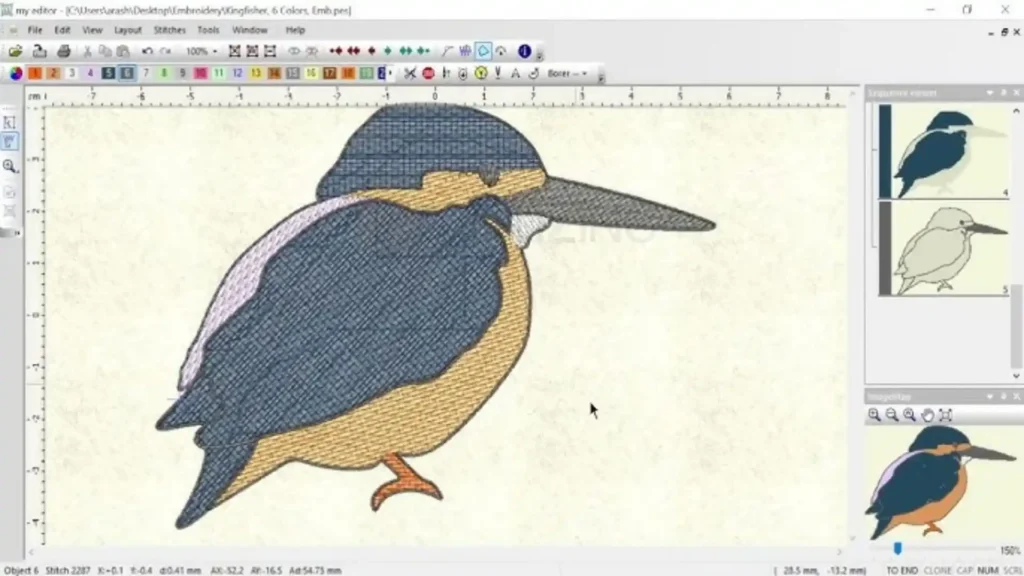
SewArt embroidery software can generate embroidery machine files that sew successfully, especially for straightforward artwork. Many hobby users create perfectly usable designs without needing advanced editing.
Production work is different.
Commercial embroidery often involves multiple garment types, repeated production runs, tight deadlines, and demanding clients. In those situations, even small digitizing mistakes can lead to thread breaks, registration problems, extra trims, or unnecessary machine downtime.
That’s why experienced digitizers usually inspect every automatically generated design before approving it for production.
They review factors such as:
- Stitch sequence
- Travel paths
- Underlay placement
- Density balance
- Compensation settings
- Pull direction
- Trim locations
These adjustments may only take a few minutes, but they can significantly improve embroidery quality.
Production Readiness Comparison
Project Type | SewArt | Ink/Stitch |
Hobby embroidery | Excellent | Very Good |
School projects | Excellent | Good |
Gifts and personal items | Excellent | Very Good |
Business branding | Good (after editing) | Excellent |
Commercial production | Limited | Better suited |
Complex logo digitizing | Moderate | Strong |
Key Takeaway: If your goal is learning embroidery and creating occasional projects, SewArt embroidery software is often enough.
If you’re planning to sell embroidered products, work with clients, or handle complex logos, learning manual digitizing will provide much better long-term results than relying entirely on automation.

Feature Comparison: Which Software Gives You More Control?
On paper, both programs can create embroidery designs. In practice, they serve different types of users.
SewArt embroidery software focuses on speed and simplicity. Most tools are designed to help beginners create stitch files with minimal manual work. Ink/Stitch, on the other hand, prioritizes flexibility by giving users control over how every object is digitized.
Here’s how they compare where it matters most.
Feature | SewArt | Ink/Stitch |
Auto-digitizing | Excellent | Basic |
Manual stitch editing | Limited | Advanced |
Stitch sequencing | Basic | Full control |
Underlay customization | Limited | Yes |
Stitch angle editing | Basic | Advanced |
Object-based editing | Limited | Yes |
Preview before export | Yes | Yes |
Supported embroidery file formats | Wide support | Wide support |
Best for beginners | Excellent | Good |
Best for commercial digitizing | Moderate | Better |
The biggest difference isn’t the number of tools, it’s how much control those tools provide.
If you simply want to convert images to embroidery files, SewArt can handle that quickly. If you want to improve stitch quality, reduce production problems, and understand why designs sew differently on various fabrics, Ink/Stitch provides considerably more room to grow.
Expert Insight: Professional digitizing isn’t about using more tools, it’s about making better stitching decisions. Software simply gives you the ability to apply those decisions.
Pricing: Is SewArt Worth Paying For?
One of the biggest advantages of Ink/Stitch is simple—it’s completely free.
Because it works as an extension for Inkscape, you can install it without purchasing a license. That makes it one of the strongest options for anyone exploring free vs paid embroidery software.
SewArt embroidery software follows a different model.
It offers a free trial, but you’ll need a paid license to continue using all features. For many beginners, that cost is reasonable because the software reduces the learning curve and allows them to start creating embroidery designs much faster.
The decision isn’t really about spending money.
It’s about deciding whether you’d rather invest money or invest time.
Choose SewArt if you want to:
- Start digitizing quickly
- Learn through a simple interface
- Create hobby or personal embroidery projects
- Spend less time learning complex software
Choose Ink/Stitch if you want to:
- Learn professional digitizing principles
- Build long-term embroidery skills
- Customize every stitch object
- Avoid software licensing costs
Key Takeaway
There’s no universal winner.
Some users happily pay for SewArt because it saves them hours of learning. Others choose Ink/Stitch because they’re willing to invest time instead of money.
Your best choice depends on which investment makes more sense for your goals.

Will You Eventually Outgrow SewArt?
This is something many reviews never discuss.
For beginners, SewArt embroidery software can feel like the perfect starting point. It simplifies converting images to embroidery files, supports common embroidery file formats, and helps users complete their first projects with confidence.
As your skills improve, your expectations usually change.
You may begin creating detailed logos, working with different fabrics, or accepting embroidery jobs that require cleaner stitch paths and better production efficiency. That’s often when users start looking for software with greater manual control.
Many embroiderers eventually compare SewArt vs Hatch Embroidery, SewArt vs Wilcom, or SewArt vs PE-Design because those platforms offer more advanced editing tools and production-focused features.
That doesn’t mean SewArt becomes a poor choice.
It simply means your software should evolve alongside your experience.
Pro Tip: Don’t choose software based only on the project you’re working on today. Think about the kinds of embroidery work you hope to create a year from now. Upgrading later is much easier when you’ve already built strong digitizing fundamentals.

- Who Should Choose SewArt and Who Should Choose Ink/Stitch?
After comparing features, quality, and pricing, the decision becomes much simpler. Neither program is the “best” for everyone, they’re designed for different learning goals.
Choose SewArt embroidery software if you:
- Want to start digitizing with minimal training.
- Prefer a simple interface over advanced editing tools.
- Mostly create basic logos, names, monograms, or hobby projects.
- Need a quick way to produce vector design files into embroidery designs.
- Don’t mind paying for software that saves time.
Choose Ink/Stitch if you:
- Enjoy learning how machine embroidery digitizing works.
- Want complete control over stitches and object sequencing.
- Plan to handle more detailed logos and production work.
- Prefer open-source software over paid applications.
- See embroidery as a long-term skill rather than an occasional hobby.
Decision Guide
Your Goal | Recommended Software |
First embroidery projects | SewArt |
Hobby embroidery | SewArt |
Small business startup | Ink/Stitch |
Learning professional digitizing | Ink/Stitch |
Fast logo conversion | SewArt |
Maximum editing flexibility | Ink/Stitch |
Future upgrade to professional software | Ink/Stitch |
Common Mistakes Beginners Make When Choosing Embroidery Software
Many beginners assume buying software automatically improves embroidery quality.
In reality, software is only one part of the process. Understanding digitizing principles has a much greater impact on the final result.
Here are some common mistakes to avoid:
Choosing software based only on price
Free software isn’t always the cheapest option if it requires weeks of learning. Likewise, paid software isn’t automatically better if it lacks the control your projects need.
Expecting auto-digitizing to produce perfect results
Even the best auto digitizing software can’t fully replace manual decision-making. Most automatically generated designs still benefit from editing before production.
Ignoring file compatibility
Before choosing any software, make sure it supports the embroidery file formats required by your machine, such as DST, PES, EXP, or JEF.
Focusing on the screen instead of the stitch-out
A design that looks excellent in software may still produce thread breaks, gaps, or distortion during embroidery. Always judge quality by the finished sew-out—not the preview.
Skipping the learning process
Whether you use SewArt or Ink/Stitch, understanding stitch direction, density, underlay, and sequencing will improve your embroidery far more than switching software.
Expert Insight: The most successful digitizers don’t rely on software to solve embroidery problems. They understand why those problems happen and use the software as a tool to prevent them.

Is There a Better Alternative Than Either?
If your goal is occasional embroidery, both SewArt and Ink/Stitch can be excellent choices.
However, if you’re creating designs for customers, producing embroidered apparel regularly, or managing commercial embroidery, you’ll eventually discover that software alone isn’t the biggest challenge.
The real challenge is creating clean, efficient stitch files that run smoothly on different machines and fabrics.
That’s why many embroidery businesses choose to outsource logo digitizing software work to an experienced professional digitizer instead of spending hours learning advanced digitizing techniques themselves.
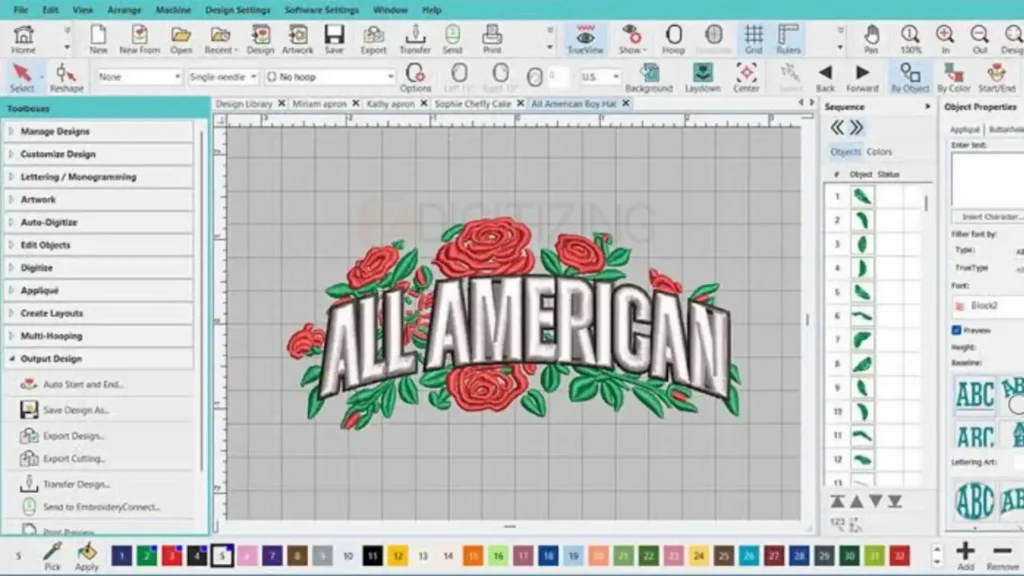
Professional custom embroidery digitizing services don’t just convert artwork into stitches, they optimize stitch paths, reduce unnecessary trims, adjust density for different materials, and prepare designs for reliable production.
For many businesses, outsourcing becomes more cost-effective than purchasing multiple software packages and investing months in training.
Conclusion
Choosing between SewArt embroidery software and Ink/Stitch isn’t really about which program has more features,it’s about which one fits your current skill level and the type of embroidery work you plan to do. If your goal is to learn machine embroidery digitizing with a simple interface and affordable tools, SewArt offers a practical starting point. If you’re comfortable investing more time in learning, Ink/Stitch gives you greater manual control without software licensing costs.
As your projects become more detailed, you’ll quickly realize that even the best beginner software has limitations. Complex logos, tiny lettering, and production-quality files often require experienced digitizing rather than relying entirely on auto digitizing software. That’s why many embroidery businesses use beginner software for learning but trust professionals for client work.
If you need production-ready embroidery files, expert cap logo digitizing services, or support from an online embroidery digitizing service provider in Washington, our team can help. New customers receive 50% OFF on their first order, making it easy to experience professional-quality digitizing before committing to larger projects.