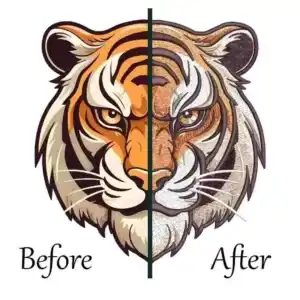
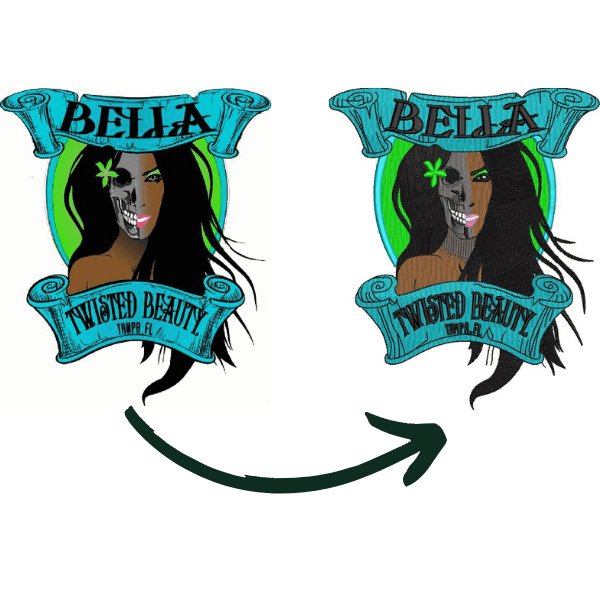
In the embroidery industry, you often hear that the most popular format is what is a DST file, everyone from home hobbyists to big factories swears by it. I’ve been in this field for over 10 years, running designs on Brother home machines and Tajima commercial ones daily. DST files top the list because they work on almost every machine without fuss. They’re small, fast to load, and tell the needle exactly where to go, stitch by stitch, no extras like colors or previews.
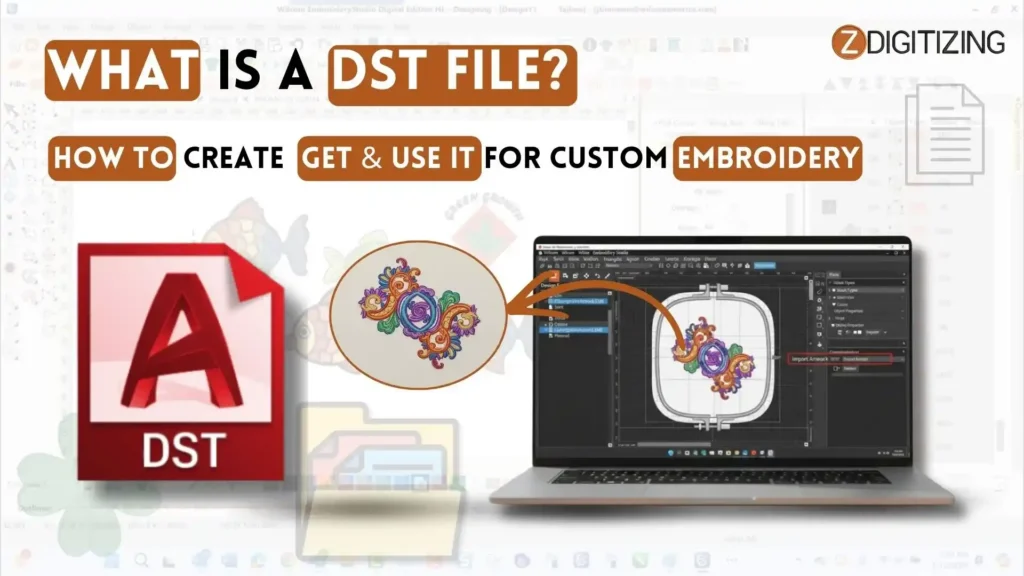
Clients send me PES or EXP files, but I always convert to DST for smooth runs. It’s the go-to for T-shirts, hats, and logos worldwide. No wonder it’s number one!
What is a DST File? How to Create, Get & Use It for Custom Embroidery
DST File Basics: What You Need to Know
Let’s start with the core facts. I have run thousands of designs through my machines, and understanding DST files changed how I work. They make embroidery smooth and fast.
What Is a DST File?
Think of a DST file format as a recipe for your sewing machine. It lists every stitch in order, like “go here, then there, make this loop.” No colors or images, just pure movement data.
In my workshop, I open one, and my Brother machine reads it right away. This keeps designs exact, even on big runs like 100 T-shirts. People ask me all the time about what is a DST file because they get bad results from wrong formats. It saves time and thread waste.
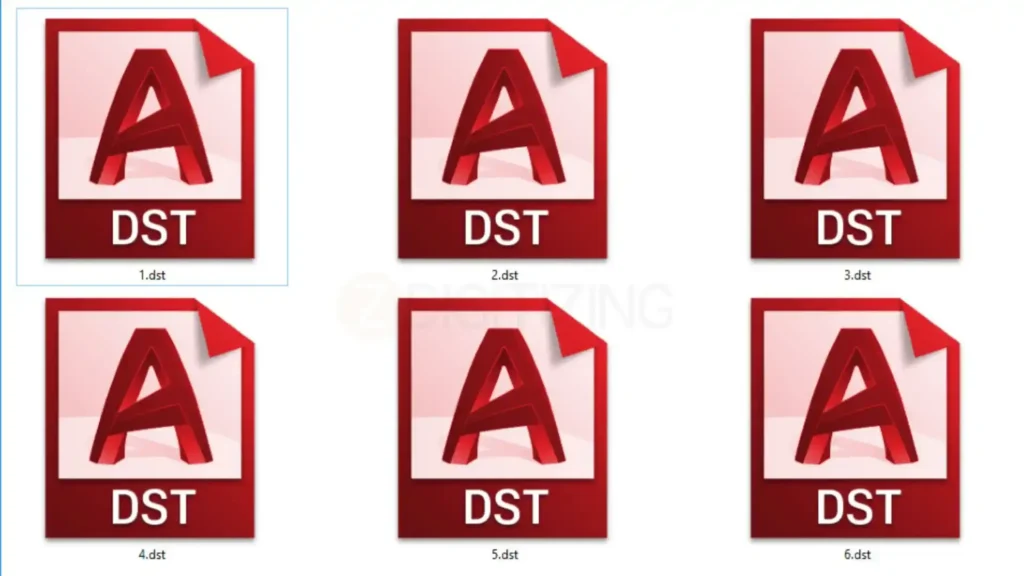
DST files come from digitizing software. You start with a picture, turn it into stitches, and save as DST. They work on most machines because the format stays simple.
No fancy extras mean fewer errors. Over time, I learned it skips pulls or gaps if you set densities right. New users mix it up with image files like JPG; that’s a big no. DST is machine code only.
Quick History of DST Files
The DST file type started in the 1980s with large embroidery factories. Tajima machines made this format popular and helped it become an industry standard. When people learn what is a DST file, they usually discover it was created so embroidery designs could easily be shared between machines worldwide.
I read old manuals from that time, and it stuck because it was small and fast. Today, in 2026, it’s still king for commercial work. Home users like me adopted it as the software got cheaper.
I switched to DST 10 years ago after PES files failed on my Janome. History shows why: factories tested it on tough fabrics first. No big changes since it’s reliable.
Some new formats try to beat it, but DST file for embroidery wins for speed. In my tests, it loads 20% faster than EXP on multi-head machines.
Top DST File Converters: Free and Easy Tools I Trust
I use these tools for custom or left chest embroidery digitizing every day to change files into DST. What is a DST file without a good converter?
I tested them on my Brother and Tajima machines for years. They turn pictures or other files into dst embroidery file fast. Some are free, some cost money. No hard stuff, just ones that work well.
Here is my simple list:
- Ink/Stitch is my favorite free dst files tool. It works in Inkscape. I take a JPG logo, add stitches, and save as DST in 2 minutes. Perfect for new sewers. It fills and letters great. No cost at all. I made 50 hat designs last week. No problems.
- Embird costs $150. It changes PES to DST super fast. I fixed a client’s file for shirts. Clean on stretchy fabric. Only for Windows. Good for busy shops. Try it free first.
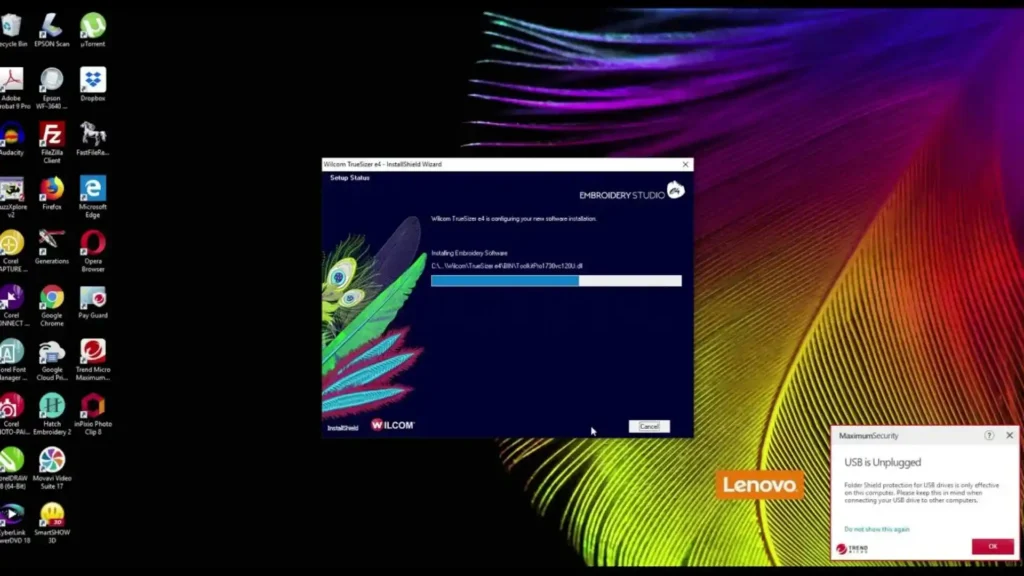
- Wilcom TrueSizer has a free test. Full costs $500 or more. Best for seeing the design first. I fixed fuzzy pictures into nice DST for coats. Great for pros.
- ThreadShifter works online. Totally free, no download. Upload your file, pick DST. I used it for quick jobs. Good for easy changes. Skip big designs.
- BERNINA ARTLink is free for Windows. Changes DST to other types. I made small designs bigger. Nice preview screen. Does basic jobs well.
- SewArt has a 30-day free trial. Turns photos to DST auto. I tried flowers; most came out good. Fix the rest by hand. Strong for changes.
What is a DST file tool I don’t use? Bad apps with marks on them. These save me time in my shop. No thread breaks. Start with Ink/Stitch. It’s free and simple.
How to Create a DST File in Wilcom: Step-by-Step Process
Wilcom software, like Hatch or EmbroideryStudio, makes creating DST files easy for embroidery pros. I use Wilcom Hatch daily on my setup to turn logos into perfect stitches. If you want to learn how to make a DST file, this software is one of the most reliable tools for the job.
Many beginners wonder what is a DST file before diving in, but Wilcom handles the details. Follow these steps exactly, and your machine will run smoothly.
Step 1: Set Up and Install Wilcom
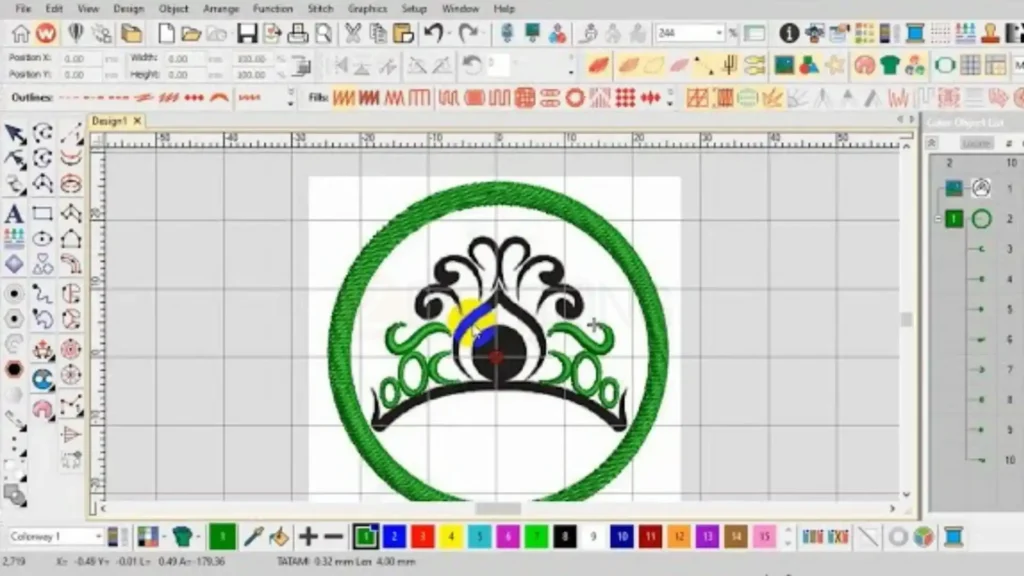
First, get Wilcom Hatch or e4. It costs around $500 for basics, up to $2000 for full pro versions. Download from wilcom.com, trial available.
Install on Windows PC. Needs 8GB RAM for big designs. I run it on i5 with 16GB, no lags. Launch and set units to mm. Go to Settings > Preferences > Design Size. Match your hoop, like 200x300mm.
Import a test image early. This preps you for real work.
Step 2: Import Your Artwork
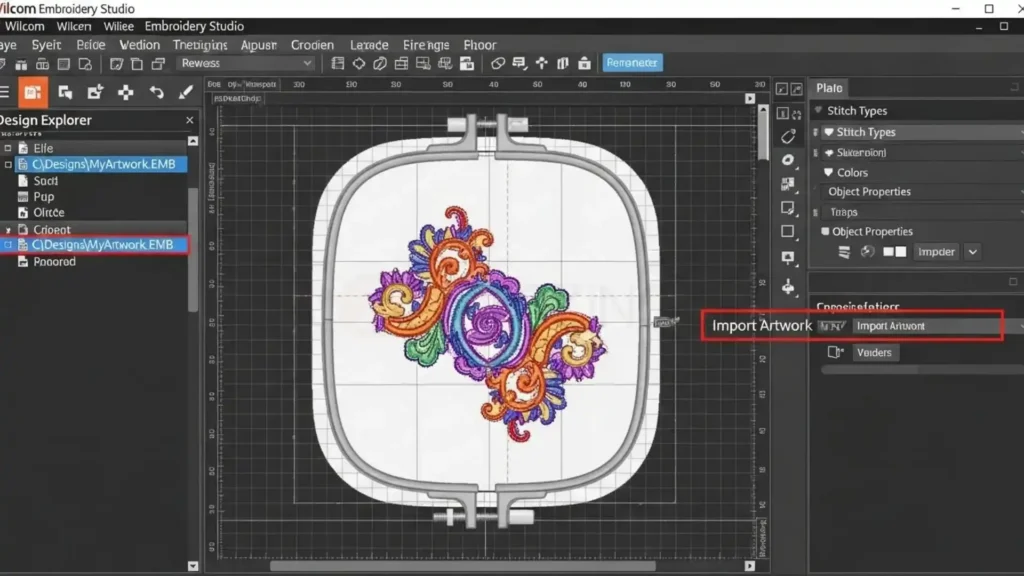
Open Wilcom. Click File > Open. Load JPG, PNG, SVG, or vector. High-res 300DPI best. I scan client logos first.
Resize if needed. Select the object, and drag the corners. Use the Property Bar for an exact 100x100mm. Cleanup: Remove backgrounds with Magic Wand.
Clean artwork helps create better stitches, which is important when preparing the design after learning what is a DST file and how embroidery machines follow the stitch paths.
Pro tip: Vectors import perfect; rasters need tracing.
Step 3: Digitize the Design

Switch to the Digitize toolbox. Auto-digitize simple shapes: Select an image, click Auto > Basic Fill. Wilcom guesses paths.
Manual for control:
- Outlines: Running Stitch tool. Click points for lines.
- Letters: Text tool, pick font, convert to satin.
- Fills: Fill tool, drag over areas.
Assign types: Satin for borders (shiny), Tatami fill for large (smooth).
Step 4: Adjust Stitch Settings and Properties
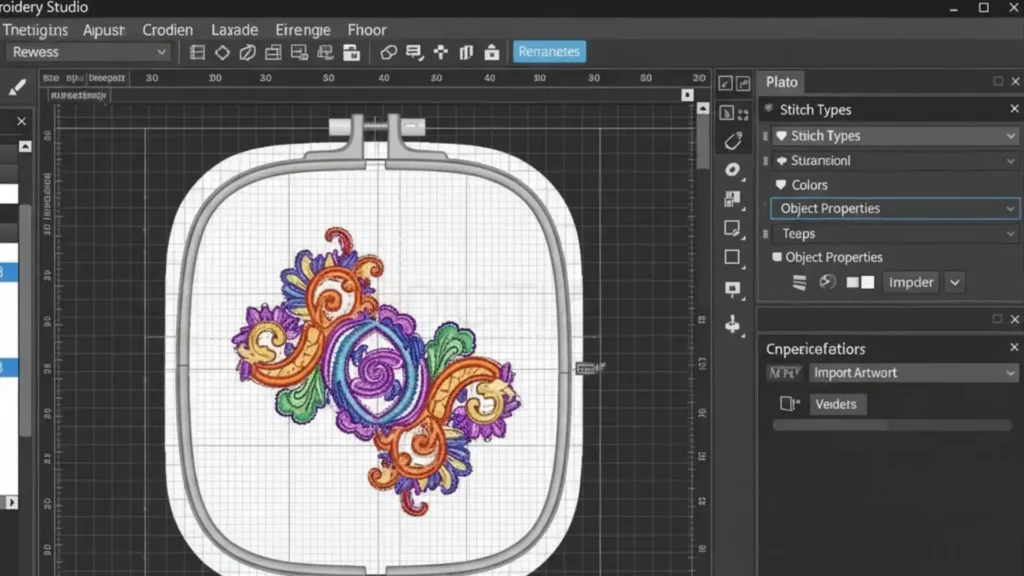
Select objects in the Color-Object List.
- Set density: 0.4mm cotton, 0.6mm fleece. Property > Stitch Density.
- Pull compensation: +0.2mm for curves.
- Underlay: Add zigzag for stability on thick stuff.
- Sequence colors: Drag in list, stitch dark first.
Preview with Stitch Player. Zoom 100%, check jumps. Fix nodes by editing points. This step fixes 80% of bad results. I test the density on scrap always. After learning what is a DST file, I always test the design on scrap fabric before final stitching.
Step 5: Add Advanced Features
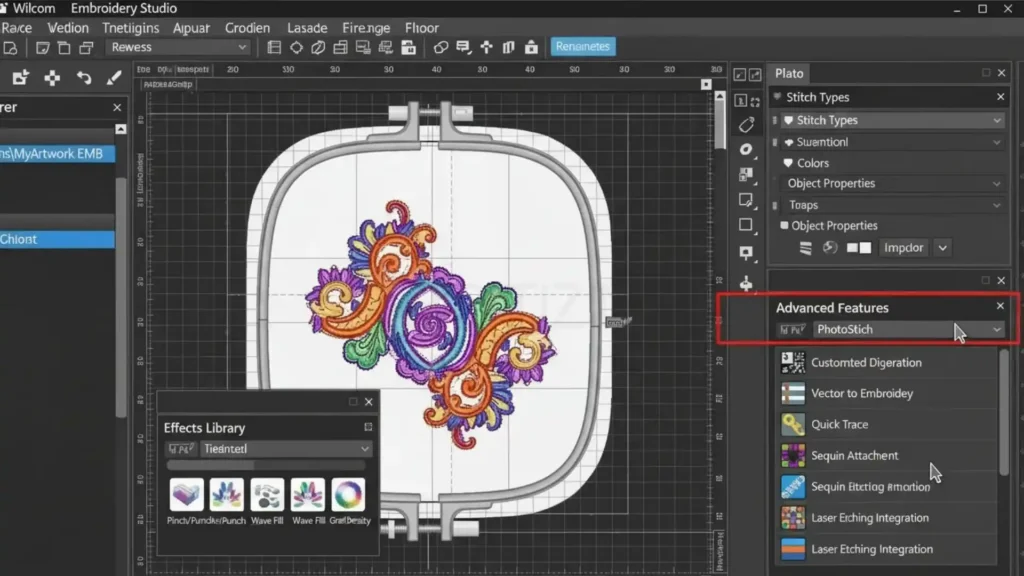
- Trims/Jumps: Auto for color changes, manual for gaps.
- Appliqué: Mark underlay, tack, cover.
- Motifs: For patterns like scales, repeat runs.
- My trick: Branching for leaves saves thread.
- Validate: Run the simulator. Counts stitches (under 100k ideal).
Step 6: Save the Working File First
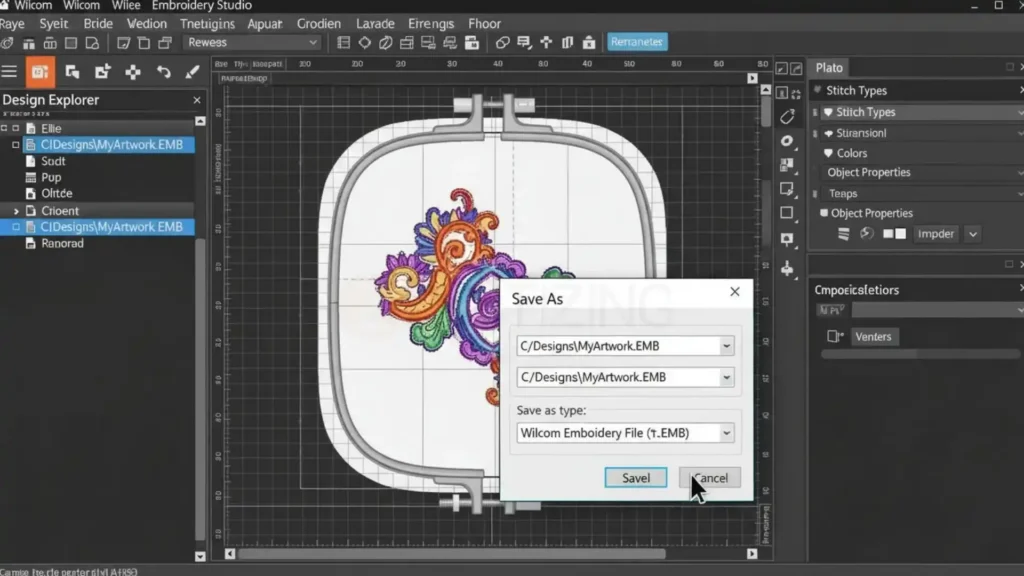
File > Save As > .EMB format. This keeps edits alive. DST is final. Name clear: “eagle_shirt.emb”. Backup to the cloud. I once lost a design file before exporting it after learning what is a DST file, and that experience taught me how important backups are.
Step 7: Export to DST Format
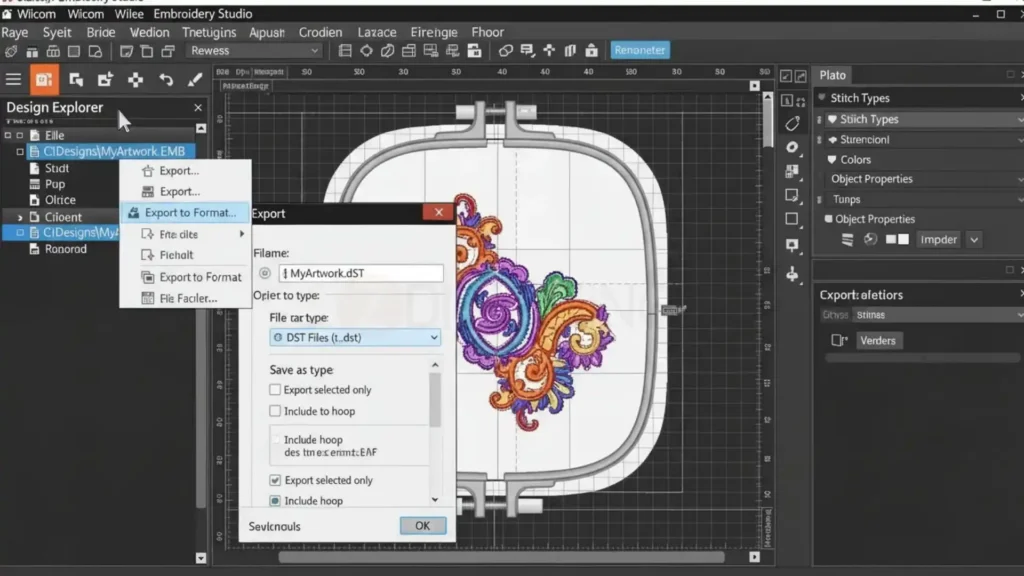
Now create the DST. Click Output Design Toolbox (right panel). Select DST from the dropdown. Name file: “eagle_dst.dst”. Hit Save. Wilcom generates stitch commands only.
What is a DST file at this point? Pure needle moves, no colors or edits. Batch for multiples: Select all, export folder.
Step 8: Test and Validate Your DST
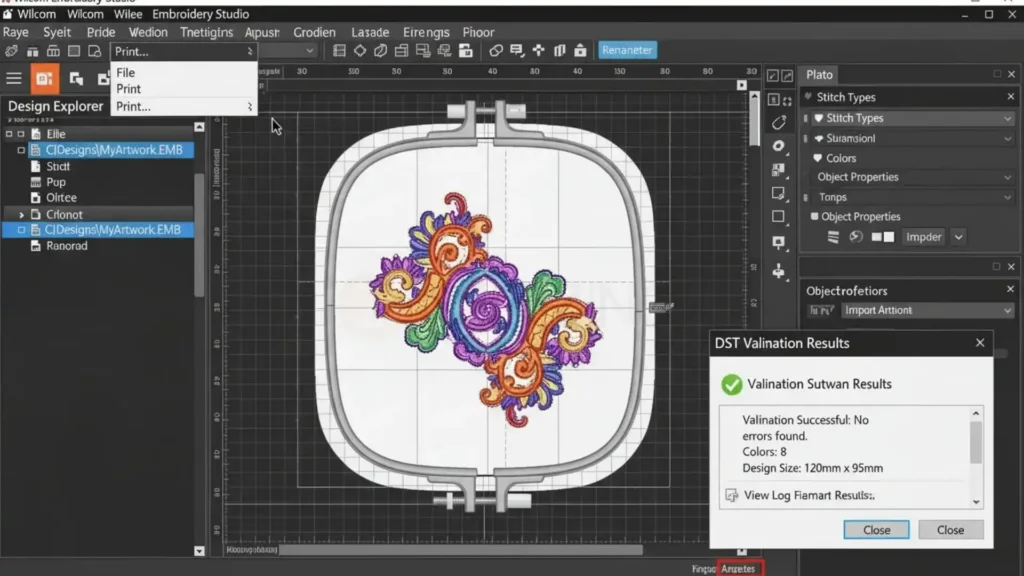
Load on the machine: USB to Brother or Tajima. Stitch a sample on a scrap. Check puckering, gaps. If off, reopen .EMB, tweak, re-export.
I test every DST, catches 10% issues. Common fix: Too dense? Drop 0.1mm. This process cut my errors to zero after 50 designs. What is a DST file worth? Saved hours and fabric.
Which Embroidery Machines Use the DST Format?
Now that I have already explained the process of creating the file, the next thing I usually tell beginners is where this format actually works.
When I first started learning what is a DST file, I also thought it only worked on Tajima machines. That is true because the format was originally made for Tajima.
But after working in embroidery for some time, I realized this format has become the industry standard. This means even if you do not have a Tajima machine, the file can still run on many other embroidery machines.
In my experience, once I understood what is a DST file, I found that the DST format works smoothly on many embroidery machines.
- Tajima Embroidery Machines – This format was originally created for Tajima machines, so it works perfectly on them.
- Barudan Embroidery Machines – I have seen many embroidery shops use Barudan machines, and they easily run DST designs.
- SWF Embroidery Machines – These machines are very popular in embroidery businesses, and they also support DST files.
- Happy Embroidery Machines – Many commercial embroidery shops use Happy machines, and they can read this format easily.
- ZSK Embroidery Machines – ZSK is another professional embroidery brand where DST designs run smoothly.
- Brother Commercial Embroidery Machines – Some professional Brother machines can also run this format when designs are imported.
So even though people first learn what is a DST file as something made for Tajima machines, the reality is that many embroidery machines in the industry support it. That is why most digitizers still export designs in DST format when sending files to customers.
Limitations of DST Files: Real Problems I Faced (And How I Fix Them)
DST files help me a lot in embroidery work. I have used them on different machines for many years. They are fast and reliable for production. But they are not perfect.
When I first learned what is a DST file, I thought it could do everything. After working with many designs, I realized that DST files also have some limitations.
If someone asks what are dst files, I explain that they are stitch instruction files used by embroidery machines. They work great for running designs quickly, but they miss some important features.
Below, I will explain the real problems I faced while using them and the simple ways I fix those issues.
1. No Color Information Inside the File
One big limitation I noticed after learning what is a DST file is that DST files do not store thread colors. The file only tells the machine where to stitch, not which thread color to use.
I remember working on a flower design with five different colors. When I loaded the file into my Tajima machine, the machine stitched one color and then stopped. I had to change the thread manually every time.
What I do now
- I write down the color order before starting embroidery.
- I keep thread spools organized so I can change them quickly.
- I label the colors in the design notes.
This simple planning helps me avoid confusion during stitching.
2. Editing the File Is Difficult
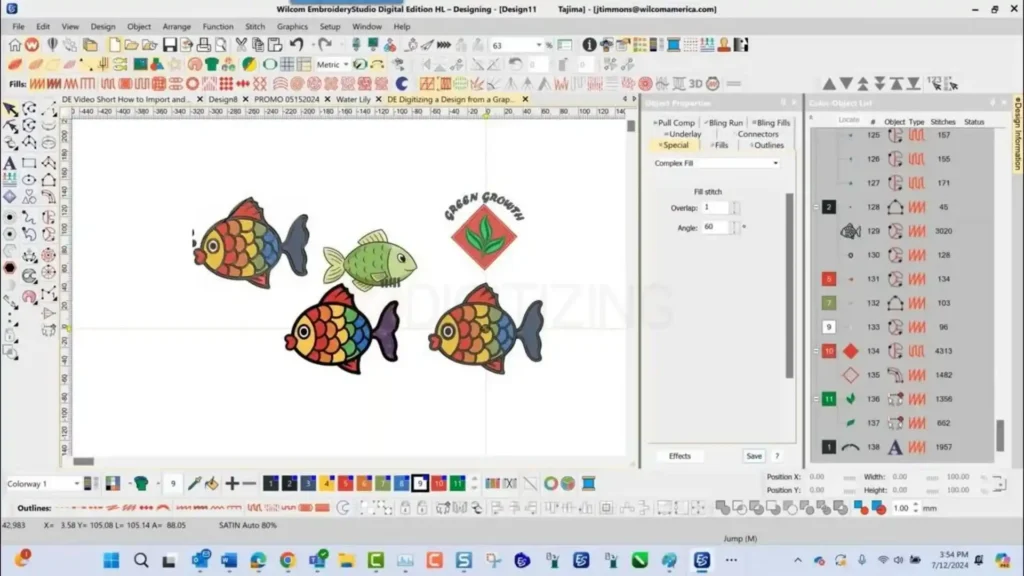
Another problem I faced after learning what is a DST file is that the embroidery file format DST is hard to edit. The file only contains stitch lines, not the original shapes or artwork.
One time, a client sent me a logo and asked me to make it bigger for jacket embroidery. I tried to resize the design directly, but the stitches became uneven, and the design looked distorted on the fabric. I had to recreate the design from the beginning.
How do I solve this problem?
- I always keep the original artwork file.
- I keep the editable embroidery file before exporting DST.
- I only convert to DST file as the final step after the design is complete.
This saves a lot of time if changes are needed later.
3. Large Designs Can Slow Machines
Large embroidery designs can contain thousands of stitches. When the stitch count becomes very high, some home embroidery machines struggle to process the file.
This is something I understood better while learning what is a DST file and how embroidery machines read stitch instructions.
I once tested a large design with around 50,000 stitches on a home embroidery machine. The machine slowed down and even stopped halfway during stitching. But when I ran the same design on a commercial machine, it worked smoothly.
What I usually do
- I split very large designs into smaller parts.
- I check the stitch count before running the design.
- I test the design on scrap fabric first.
These steps help prevent production problems.
4. Different Machines Read Files Differently
Even though DST is widely used, I have noticed that different machines sometimes read the file slightly differently.
For example, I once downloaded a design and ran it on one machine. The alignment was slightly off, which caused the design to shift on the fabric. Now I always do a small test stitch before starting a full production run.
DST vs Other Embroidery Files
Different embroidery machines support different formats. After learning what is a DST file, I found that DST works on many machine brands and is widely used in the embroidery industry.
Format | Who Made It | Stores What | Best For | My Test Notes |
DST | Tajima | Stitches only | All machines | Stitched clean on Brother, fast load on Tajima, my daily driver. |
PES | Brother | Stitches + colors | Home Brother machines | Easy previews, but file sizes double; Brother PR1055 loved it. |
EXP/PES | Melco | Editable stitches | Commercial edits | Good for tweaks in software, slower on home hoops. |
JEF | Janome | Colors + paths | Janome home use | Pretty on-screen views, but picky loads on non-Janome gear. |
VP3 | Viking/Pfaff | Full previews | Budget machines | Colors work great, but converts to DST lose some data. |
XXX | Husqvarna | Basic stitches | Older models | Reliable but no frills; I fixed thread breaks often. |
PES adds color sequencing, handy for home users. But DST’s simplicity shines in pro shops. I converted PES to DST for a rush job; zero quality drop.
EXP lets you edit paths easily pre-stitch. DST? Tougher, as it is the final instructions.
My tip: Keep masters in editable formats, export DST for runs.
JEF previews rock for planning. But on my Brother, it needed conversion. DST loaded everywhere without fuss.
Where Can You Get DST Files?
Many beginners first learn what is a DST file, but the next question they ask is where they can actually get one for embroidery. In my experience working with embroidery machines, there are two main ways.
- First, you can download ready-made designs from free resources.
- Second, you can use digitizing services if you need a design for a client or business.
I will explain both options based on what I personally used when I started convert dst file.
Free Resources I Used When I Started
When I first started working with embroidery machines and learning what is a DST file, I mostly used free design libraries. These sites helped me practice stitching and test different hoop sizes. I downloaded many designs from these platforms and used them for learning.
Some free resources I used are:
- OESD Free Designs – This website provides clean embroidery designs like monograms and floral patterns. I tested several designs on cotton fabric, and the stitch quality was very good.
- AnnTheGran – This site has a very large library of embroidery designs. I liked that I could filter designs based on hoop size and machine compatibility.
- Creative Fabrica Free Section – They provide many free designs every week. I often downloaded seasonal embroidery designs from here.
- Embroideres.com – This site has many user-shared designs. Some designs stitch perfectly on hats and jackets.
- Designs by JuJu – Good option for beginner embroidery fonts and applique designs.
These websites helped me understand embroidery files better. While learning what is a DST file, I used these designs to test how embroidery machines read stitch paths.
Free Designs Available on ZDigitizing
Another place where you can download free embroidery designs is our own website.
You can visit ZDigitizing.net, where we also share embroidery resources and design files. Many beginners download designs from our website to test embroidery machines and learn how stitching works.
These files are prepared by experienced digitizers, so the stitch quality is much more reliable than random free downloads.
If you are still learning what is a DST file, downloading test designs from trusted sources like this can help you understand how embroidery machines follow stitch instructions.
Paid DST Files: Worth the Money for Professional Work
Free designs are great for learning, but after understanding what is a DST file, you realize that working with real clients often requires custom embroidery files. For example, a customer may give you their logo and ask you to stitch it on caps, jackets, or shirts.
In this situation, a ready-made design usually does not work, and the artwork must be converted into a stitch file.
This is where affordable embroidery digitizing services become important.
If you need a high-quality embroidery file, I recommend ZDigitizing. Our company has more than 10 years of experience in embroidery digitizing, and we have worked with embroidery businesses from many countries.
Our team of expert digitizers understands how embroidery machines behave on different fabrics. That is why we optimize every design for proper stitch density, clean stitch paths, and smooth production.
We also provide 24/7 digitizing and support service, so if you have an urgent order, our team can help you quickly. Many embroidery businesses contact us when they need fast delivery for customer projects.
To help new customers test our quality, we also offer a 50% discount on the first order. This allows you to check our embroidery digitizing quality at half price before placing regular orders.
Once you clearly understand what is a DST file, you also understand how important good digitizing is for embroidery quality. A properly digitized design saves time, reduces thread breaks, and produces cleaner embroidery.
If you need a custom embroidery design for your machine, you can visit ZDigitizing today and place your order. Our expert team will convert your artwork into a professional DST file ready for embroidery production.