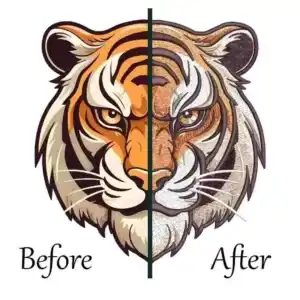
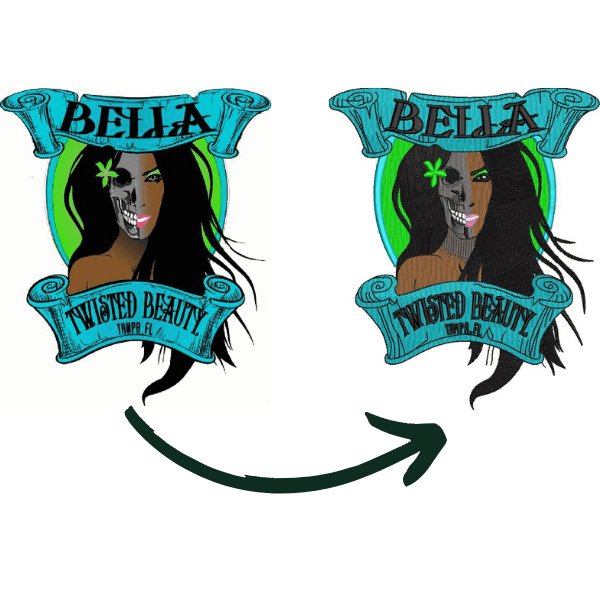
What is embroidery digitizing is the essential process that converts artwork into precise stitch instructions for embroidery machines, ensuring clean and professional results on any fabric. Without proper digitizing, even high-end embroidery machines can produce distorted, puckered, or broken designs. This guide explains how digitizing works, why it matters in modern production, and when professional services make the biggest difference.
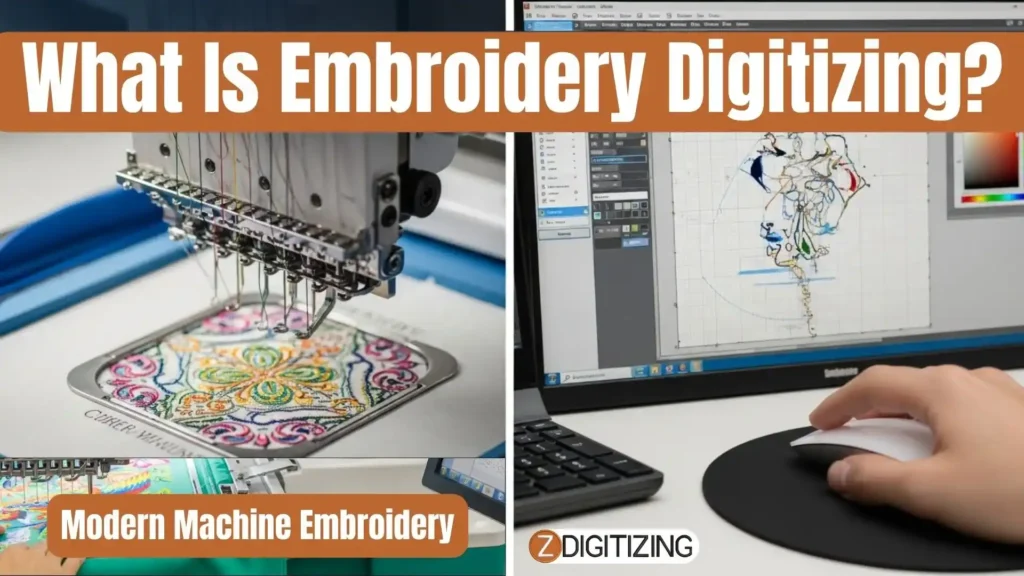
By the end, you’ll understand how quality digitizing directly improves embroidery speed, accuracy, and consistency.
What Is Embroidery Digitizing and Why It Matters for Modern Machine Embroidery
What Is Embroidery Digitizing?
Imagine taking your favorite logo, family crest, or custom artwork and making it come alive through thousands of perfect stitches on a polo shirt, hat, or tote bag.
The essential process of converting any digital artwork into precise machine instructions that tell your embroidery machine exactly where to place every single stitch, what type of stitch to use, and how densely to pack them for flawless results on any fabric.
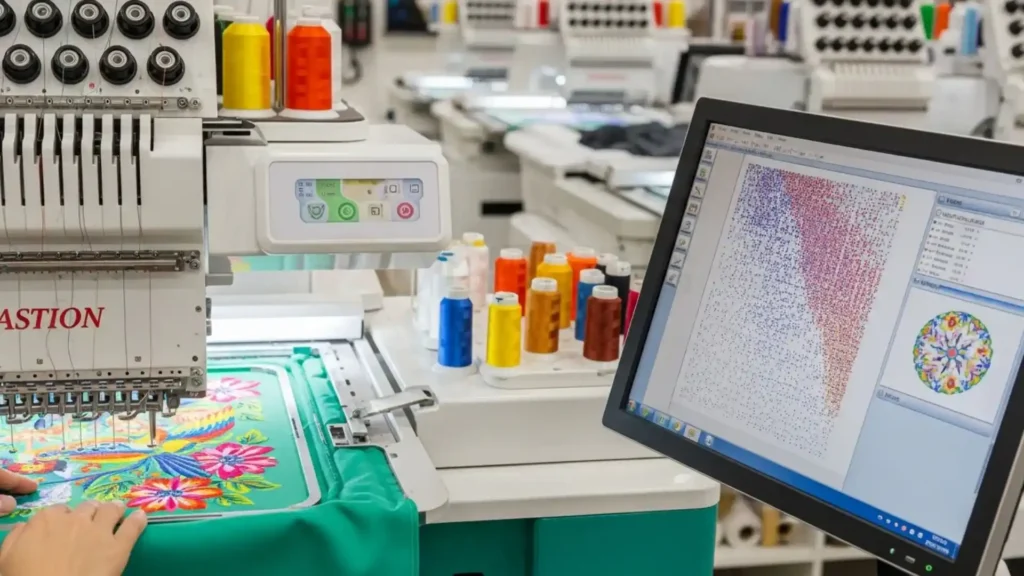
Think of it like writing a custom GPS route for your embroidery machine. Instead of guessing how to recreate your design, you give it step-by-step coordinates.
In simple terms, what is digitizing in embroidery means defining stitch paths such as “go here with a satin stitch at 0.35mm spacing, then fill this area with tatami rows at 0.45mm, add underlay first to prevent puckering.” Without digitizing, your machine treats artwork like a blurry paint-by-numbers puzzle.
With it, you get sharp, professional results that run at 1000 stitches per minute without breaks or gaps, this is the real value of what is embroidery digitizing in production.
What is Manual Digitizing vs Auto Digitizing?
Manual digitizing means you personally draw every stitch path using professional tools. This control every detail, stitch direction for smooth fills, pull compensation for stretchy fabrics, and underlay angles for knit stabilization.
This takes skill (100–300 hours to master) but delivers unmatched precision for complex logos, photorealistic portraits, and designs with tiny text under 3mm.
Auto digitizing uses AI to analyze your artwork and generate a stitch file in 2–5 minutes. Upload a JPEG, click “digitize,” and modern platforms answer the question what is embroidery digitizing software by instantly creating a working file.
This method is perfect for simple logos and bulk production, but expect 20–30% refinement time fixing gaps, adjusting densities, and optimizing trims, still requires human expertise.
The smart approach? Hybrid. Use auto-digitizing to handle 80% of the work, then manually refine critical elements. Shops doing 500+ pieces weekly save 65% time while maintaining pro quality.
Types of Embroidery Digitizing
For those interested in embroidery digitizing careers, understanding that different designs demand different digitizing approaches is a fundamental skill that leads to better results and professional growth. This variety explains what is digitizing embroidery in real-world production. Here’s the complete breakdown:
1. Logo Digitizing (Most Common)
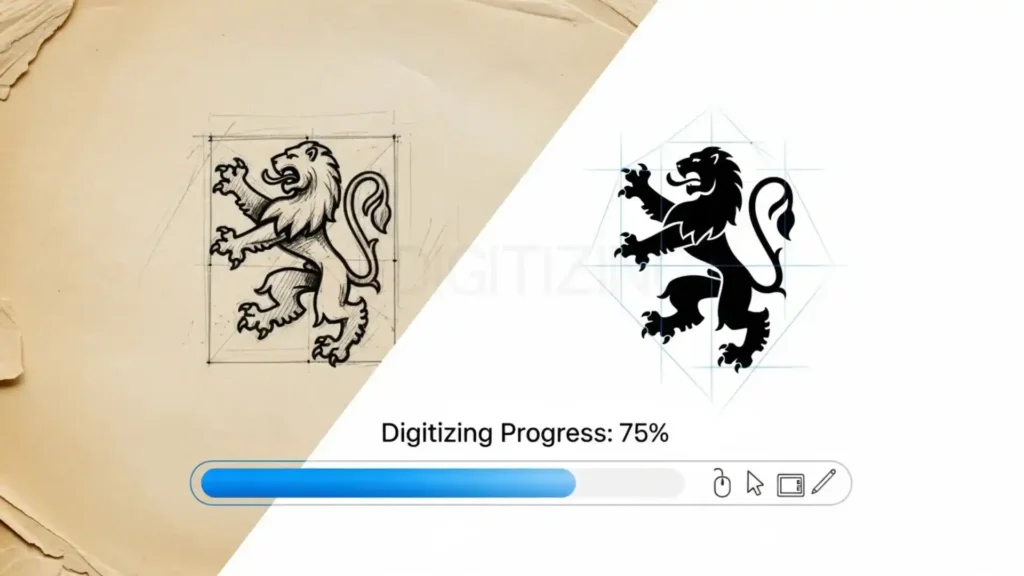
Clean corporate logos, sports emblems, and monograms. Focus: sharp satin lettering (0.3mm spacing), flat fills for shields, and minimal jumps. Perfect stitch count: 5,000–15,000.
2. Custom Artwork Digitizing
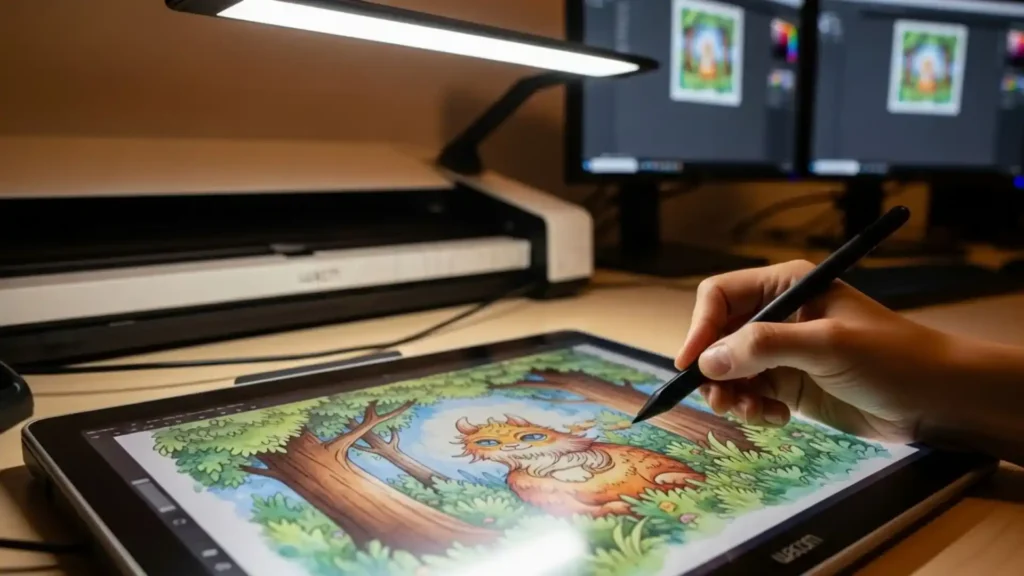
Illustrations, hand-drawn designs, and photography. Requires artistic judgment, converts gradients into 3–5 stitch colors, simplifies tiny details under 2mm, and creates depth with layered fills. Stitch count: 20,000–60,000.
3. 3D Puff Digitizing
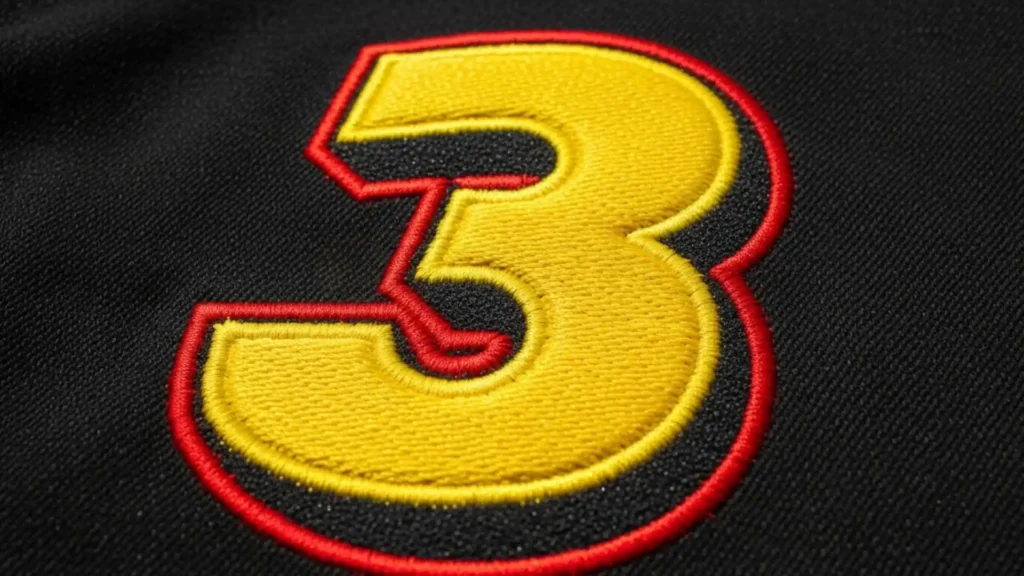
Raised foam effects for hats and patches. Uses specialized steil or bean stitches over 2–4mm foam backing. Critical elements include perfect registration marks and foam-specific densities. Premium pricing reflects the advanced nature of what is embroidery digitizing here.
4. Applique Digitizing

Fabric patches sewn onto garments. This method creates precise cut lines, tack-down stitches, and final cover stitches, saving up to 70% thread on large areas while adding texture.
5. Sequin Digitizing
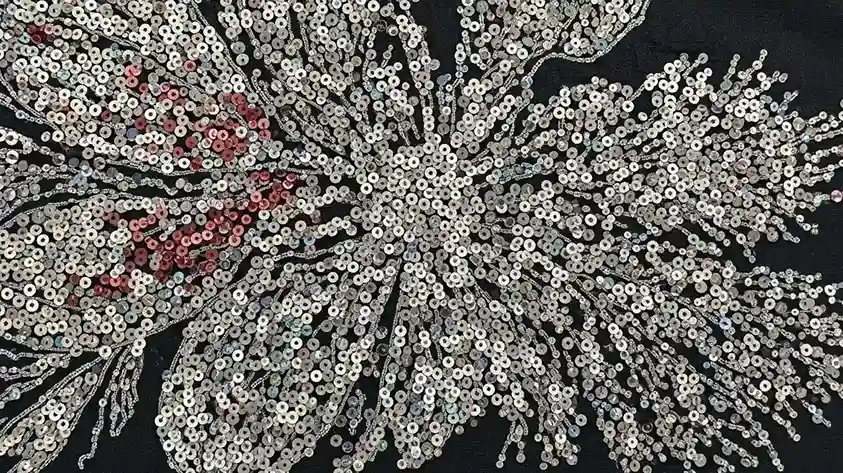
Programs machines for automatic sequin placement. Combines embroidery with 3/6/9/12mm sequins in exact patterns, commonly used in high-end fashion.
6. Chenille / Looping Digitizing

Creates raised loop pile effects like varsity letters using specialized chenille heads and chain stitches.
7. Specialty Thread Digitizing
Designed for metallic, glow-in-the-dark, or monofilament threads. Requires 20–30% lower densities, special tension settings, and slower speeds to prevent breaks.
Each type demands specific stitch libraries and machine settings, professional digitizers maintain 50+ templates per category, reinforcing the depth behind what is digital embroidery.
How Embroidery Digitizing Works in Machine Embroidery
Here’s the magic behind those perfect stitches. When you load a digitized file (.DST, .PES), your machine reads thousands of individual stitch commands organized in perfect sequence. This process defines what is a digitized file for embroidery in practical terms.
Step 1: Object Registration
Running stitch outlines establish exact positioning so the machine knows where the design sits relative to the hoop center.
Step 2: Underlay Stabilization
Light running stitches (50–70% density) flatten fabric fibers and prevent puckering. Knits receive 45° angled underlay, while woven fabrics use straight-line underlay.
Advanced digitizing software gives you full control over underlay types and angles, which is a key factor when evaluating what is the best digitizing software for embroidery for professional-quality results.
Step 3: Main Body Fills
Tatami or TrueStitch fills covers large areas. Intelligent row spacing (0.4–0.7mm) and direction changes create smooth coverage without gaps.
Step 4: Detail Elements
Satin columns for lettering and borders (0.25–0.5mm spacing). Pull compensation offsets columns 0.2–0.4mm to fight fabric stretch.
Step 5: Finishing Touches
Steil borders, lockstitches (5–8 tiny stitches), and automatic trims every 8–12mm save up to 25% thread.
The machine dance continues as multi-needle machines execute 800–1200 stitches per minute, trimming and color-changing automatically.
Why Embroidery Digitizing Matters for Modern Machine Embroidery?
Skipping proper training in embroidery digitizing freeware can feel like playing embroidery roulette, especially when you are still learning the basics of professional digitizing.
This is where what is embroidery digitizing truly proves its value:
- 85% fewer thread breaks due to optimized trims and realistic stitch counts
- Production speed doubles because machines can run at full RPM
- Zero rework runs, with reject rates dropping under 2%
- Premium pricing power for detailed logos and photorealistic embroidery
- Unlimited customization, including resizing and effects
The math is simple: investing in quality digitizing pays back quickly in saved production time.
Embroidery Digitizing for Different Fabrics and Products
One file doesn’t fit all. Proper embroidery digitizing training also teaches you that understanding embroidery digitizing means adjusting designs according to different fabric behaviors.
Fabric Type | Underlay | Fill Density | Pull Comp | Stitch Limit | Pro Tips |
Cotton Twill | 60% running | 0.45mm | 0.2mm | 50K | Standard settings work everywhere |
Performance Knit | 70% angled | 0.50mm | 0.4mm | 35K | Max compensation prevents distortion |
Fleece | 50% zigzag | 0.60mm | 0.15mm | 40K | Looser density prevents bulk |
Ripstop Nylon | 65% running | 0.40mm | 0.25mm | 30K | Tighter fills for slippery surface |
Denim | None | 0.35mm | 0.1mm | 60K | Heavy-duty handling |
Stretch Mesh | 75% cross-hatch | 0.55mm | 0.45mm | 25K | Extreme stabilization required |
Common Embroidery File Formats Explained
A key part of what is embroidery digitizing is file compatibility.
- DST (Gold Standard): Universal format accepted by Tajima, Barudan, Ricoma, SWF, Happy. Contains full stitch data. Use for all professional work.
- PES (Brother): Brother single/multi-head optimized. Excellent quality but gaps on other brands. Brother shops only.
- EXP (Janome): Janome/Melco specific. Limited stitch types. Janome owners exclusively.
- JEF (Janome): Updated Janome format with better compatibility. Newer Janome machines.
- VP3 (Pfaff/ Viking): Pfaff optimized. Good universal conversion. Pfaff shops.
- 10+ Industrial Formats (XXX, TAK, etc.): Barudan, Toyota, specialized heads. Factory production only.
Pro Workflow: Digitize in Wilcom/Hatch → Export all relevant formats → Test every machine. Universal converter software prevents 95% of format headaches.
Do You Need to Learn Embroidery Digitizing Yourself?

Learning what is embroidery digitizing takes time and practice.
YES, if:
- You run 50+ designs/month (beats $20-50 outsourcing costs)
- You constantly customize (resizing, recoloring, effects)
- Quality control matters (outsourced files fail 25% of the time)
- You’re scaling to 6+ heads (generic files kill production)
NO, if:
- Under 20 designs/month (outsource cheaper)
- Simple text/logos only (auto-digitizing sufficient)
- Single-head hobbyist (stock designs work)
Hybrid Sweet Spot (Most Shops): Learn the basics (50 hours) + outsource complex photorealism. Save 60% costs, maintain control.
Reality Check: Top shops employ dedicated digitizers at $24-38/hour. Their files run circles around outsourced generics.
How Long Does It Take To Learn Embroidery Digitizing?
Week 1-2 (20 hours): Basic shapes, text digitizing, 5 stitch types. Produce clean 3″ logos.
Month 1 (40 hours): Mixed fills, underlay mastery, fabric adjustments. Handle 80% customer artwork.
Month 3 (80 hours): Complex fills, pull compensation, resizing. Production-ready files.
Month 6 (150 hours): Photorealism, 3D puff, specialty effects. Professional quality.
Year 1 (300 hours): Scripting, templates, industrial optimization. Run 6-head unattended.
Accelerators:
- Structured courses (Hatch University: 40 hours)
- Daily practice (3 designs/day)
- Template libraries (save 70% repetitive work)
Truth: You’ll produce billable work at 30 hours. Master-level quality takes 200+ hours. Worth every minute.
How to Choose the Right Embroidery Digitizing Service?
By now, you clearly understand what is embroidery digitizing and how it transforms artwork into clean, machine-ready stitch instructions that control quality, speed, and consistency in modern embroidery.
From stitch direction and density to fabric-specific adjustments, the entire article shows that digitizing is not just a technical step, it is the foundation of professional embroidery results.
The key takeaway is simple: embroidery quality depends heavily on digitizing quality. Even the most advanced embroidery machine cannot fix poor stitch planning. This is why understanding what is digitizing embroidery helps you make better decisions, avoid production errors, reduce thread breaks, and achieve consistent results across every garment.
For the best outcomes, especially for logos, detailed designs, bulk production, and specialty fabrics, professional online digitizing service is not a luxury, it’s a necessity. Expert digitizers know how stitches behave on different materials, how to optimize files for machine efficiency, and how to deliver designs that stitch right the first time.
This is where ZDigitizing stands out.
ZDigitizing provides professional embroidery digitizing services backed by 10+ years of experience in the embroidery digitizing online industry. Along with high-quality digitizing solutions, we also help customers improve their skills through valuable embroidery digitizing lessons and expert guidance. Our professional digitizing team works 24/7, supported by dedicated customer support, so your orders are handled quickly and reliably.
We guarantee quality, provide a preview before payment, and offer free minor edits to ensure you are fully satisfied. Our prices are already lower than the market, and new customers receive 50% OFF on their first order, making professional digitizing both affordable and risk-free.
Ready to Get Perfect Embroidery Files? Visit ZDigitizing today, place your first order, and get 50% OFF.
Experience premium embroidery digitizing in usa that delivers clean stitches, faster production, and professional results, every single time.