6 Best Program to Digitize Embroidery: Free vs Paid Software
If you’re looking for the right program to digitize embroidery, you’ve come to the right place. This guide compares the six best programs to digitize embroidery, a mix of free and paid options, so you can pick the one that fits your skill level, budget, and production needs. Whether you’re a beginner, a professional, or running an embroidery business, this guide will help you choose the best program without guesswork.
6 Best Program to Digitize Embroidery: Free vs Paid Software
How Embroidery Digitizing Works — Essentials You Must Know
Understanding how a program to digitize embroidery works helps you choose better and avoid costly mistakes.
Core stitch types used in digitizing
Core stitch types used in digitizing
Embroidery machines don’t “draw” like printers. They sew using three main stitch types:
Run stitches: Short straight lines, often used for fine details and text.
Satin stitches: Dense, shiny columns used for borders, letters, and small shapes.
Fill (tatami) stitches: Large areas covered with a grid-like pattern, used for big shapes and backgrounds.
Other useful stitch types include:
Bean stitches: Triple-run stitches for thick outlines.
Underlay stitches: Base layers that stabilize fabric and help top stitches lie flat.
Choosing the right stitch type in your program to digitize embroidery affects how the design looks and holds up on fabric.
Why stitch type and density matter for machine results?
Stitch density (how close stitches are) and type determine:
How the design looks on different fabrics
Whether the fabric puckers or pulls
If small text remains readable
How long the machine takes to sew
Too dense? The fabric may pucker, and the needle may break. Too loose? The design looks weak and may snag.
A good program to digitize embroidery lets you adjust density, pull compensation, and underlay so your design sews cleanly on real fabric.
What To Look For When Choosing a Digitizing Program
Not all software is equal. Here’s what to check before you pick a digitizing programs for machine embroidery.
File format & machine compatibility
File format & machine compatibility
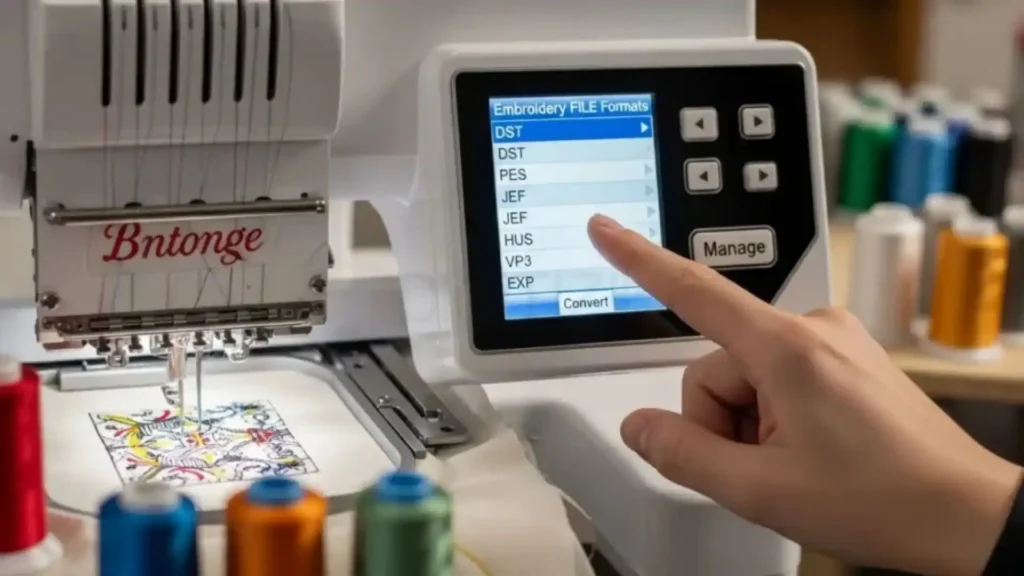
Your software must export formats your machine can read. Common formats include:
DST (industry standard for commercial machines)
PES (Brother machines)
EXP (Husqvarna/Pfaff)
VP3 (Husqvarna)
JEF (Janome)
XXX (Singer)
If your program to digitize embroidery doesn’t support your machine’s format, you’ll need extra conversion tools or a new program.
Automation vs manual digitizing
Automation vs manual digitizing
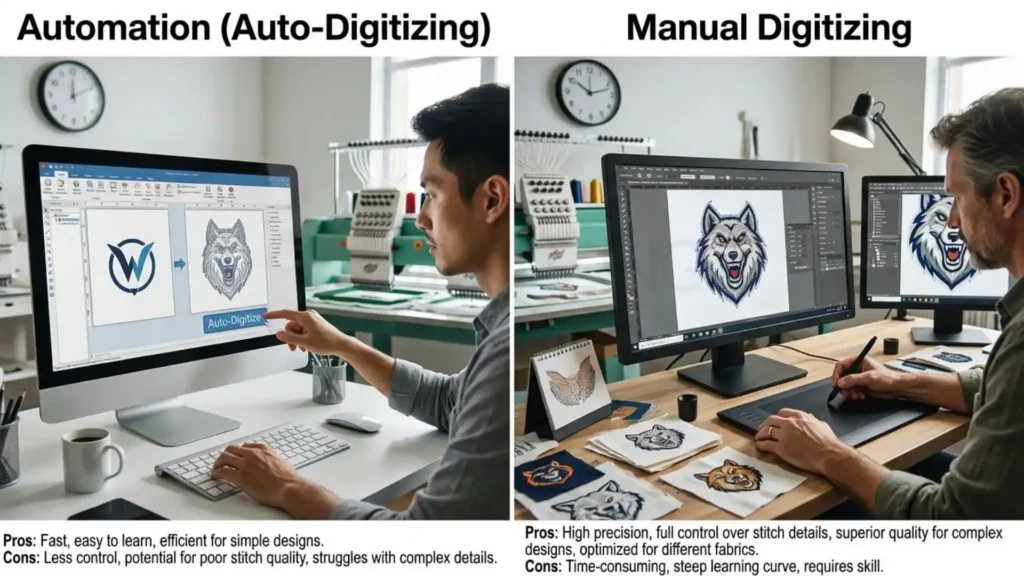
There are two main approaches:
Auto-digitizing: Upload an image, and the software creates stitches automatically. Fast, but often needs cleanup.
Manual digitizing: You place points, columns, and areas yourself. More control, better quality, steeper learning curve.
Many programs to digitize embroidery offer both. Beginners often start with auto, then learn manual for better results.
Tools & features that save time
Tools & features that save time
Look for these features:
Auto-trace (vector tracing of images)
Layer support (work on parts of the design separately)
Stitch editing (move, delete, reshape stitches)
Sequence control (decide order of colors and sections)
Built-in alphabets and clip art
Preview in 3D or simulated stitch-out
These tools help you find the best program to digitize embroidery that fits your workflow.
Underlay settings: Stabilize fabric and improve stitch flow.
Pull compensation: Adjusts for fabric pulling during stitching.
Trim control: Decide when the machine should cut threads.
If your program to digitize embroidery lacks these, you may get poor results on stretchy or thick fabrics.
6 Programs To Digitize Embroidery Reviewed
Below are six top programs to digitize embroidery, reviewed in a consistent format so you can compare easily.
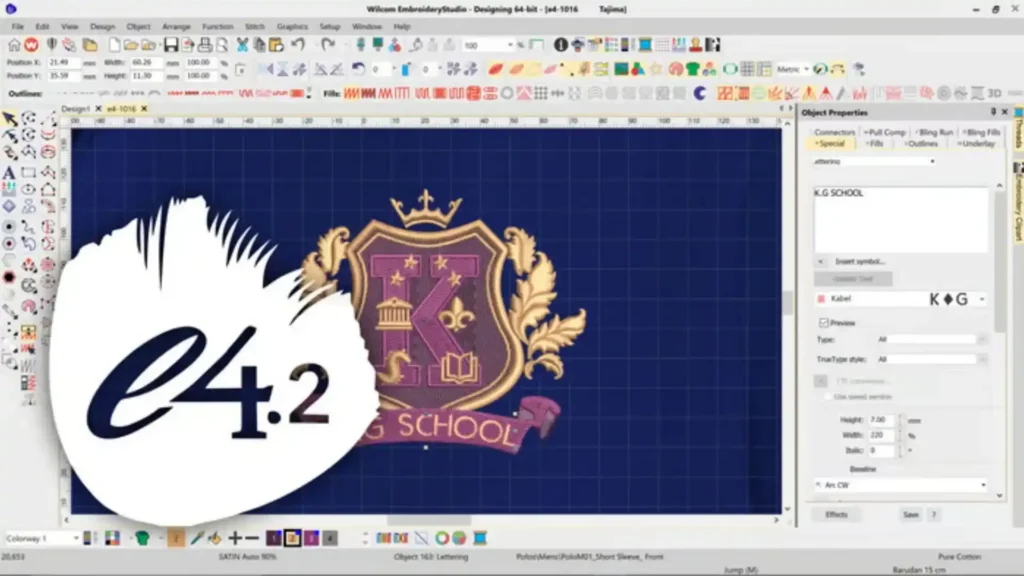
Program A — Wilcom EmbroideryStudio (Professional Powerhouse)
Wilcom EmbroideryStudio (Professional Powerhouse)
Who it’s for: Professional digitizers, embroidery studios, and businesses that need top-tier quality.
Key features:
Full manual digitizing with advanced stitch tools
Powerful editing and deconstruction of existing designs. Wide range of output formats (DST, PES, EXP, VP3, JEF, etc.)
Built-in lettering and monogram tools
Advanced underlay, pull compensation, and density controls
3D simulation and color sorting
Strengths:
Industry-standard quality and reliability
Deep control over every stitch
Weaknesses:
Steep learning curve for beginners
Very expensive compared to other options
Pricing snapshot & trial/free version note: Wilcom EmbroideryStudio is a paid professional suite with no full free version. A limited demo may be available. Pricing is high and often requires contacting Wilcom for a quote.
Quick workflow example:
Import your image into Wilcom.
Use auto-trace to create vector paths.
Assign stitch types (run, satin, fill) to each path.
Adjust density, underlay, and pull compensation.
Preview, then export in your machine’s format (e.g., DST or PES).
Wilcom remains the top program to digitize embroidery for professionals who need full control.
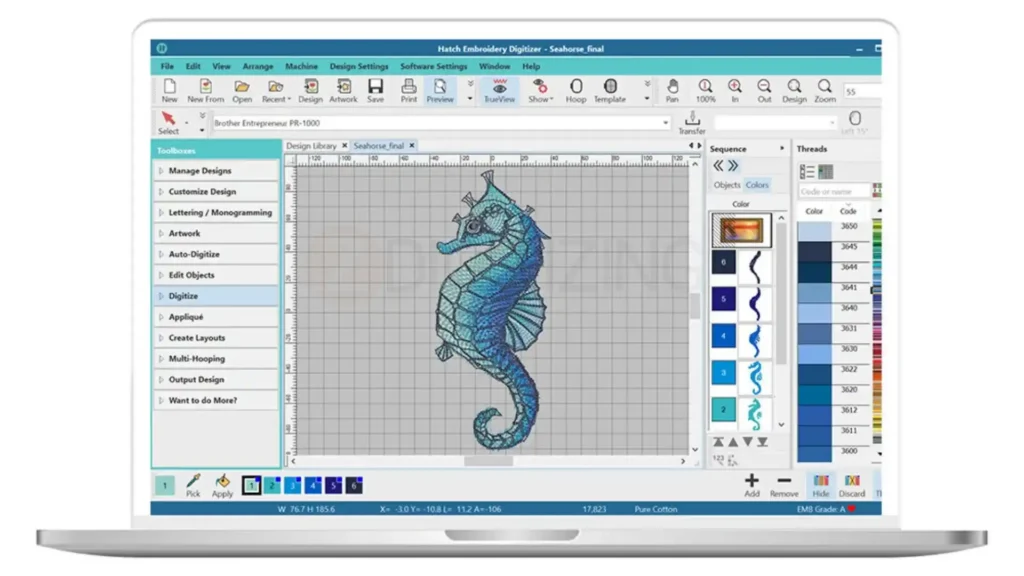
Program B — Hatch by Wilcom (Best for Beginners)
Hatch by Wilcom (Best for Beginners)
Who it’s for: Beginners, hobbyists, and small studios that want professional power without overwhelming complexity.
Key features:
Three versions: Hatch Free, Hatch Personal, Hatch Master
Guided tutorials and easy interface
Auto-digitizing with manual cleanup tools
Good built-in alphabets and clip art
Export to major formats (PES, DST, JEF, etc.)
Integration with Wilcom’s ecosystem
Strengths:
Great learning path from free to paid
Easier to learn than full EmbroideryStudio
Weaknesses:
Less advanced than full Wilcom suite
Some features locked behind higher tiers
Pricing snapshot & trial/free version note: Hatch Free is a free embroidery digitizing program with basic features. Hatch Personal and Master are paid versions with more tools. Trials are often available.
Quick workflow example:
Open Hatch and import your image.
Use the auto-trace tool to create paths.
Convert paths to stitch types (satin for text, fill for shapes).
Adjust stitch density and underlay using simple sliders.
Export in your machine’s format.
Hatch is often the best program for embroidery digitizing for those starting out.
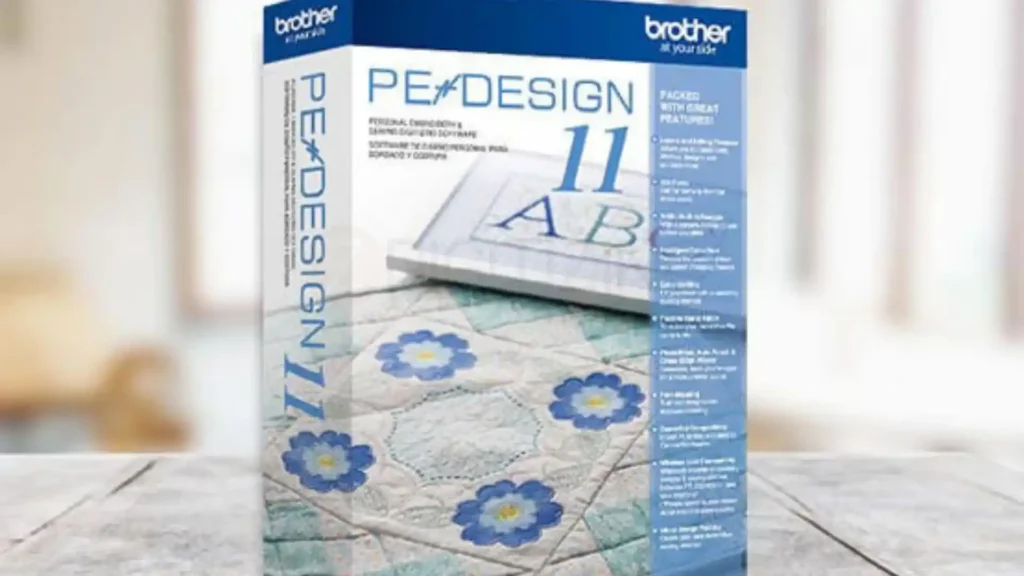
Program C — Brother PE-Design (Best for Cap Logos & Home Users)
Brother PE-Design (Best for Cap Logos & Home Users)
Who it’s for: Home users, small businesses, and those who frequently embroider caps and small text.
Pricing snapshot & trial/free version note: PE-Design is a paid software to digitize embroidery with occasional sales. A demo version may be available.
Quick workflow example: digitize a cap logo:
Import your logo into PE-Design.
Use the cap template to set the correct curvature.
Choose satin stitches for small text and borders.
Adjust density for cap fabric (usually tighter).
Export in PES or another compatible format.
PE-Design is a top digitizing program for embroidery machines, especially for caps.
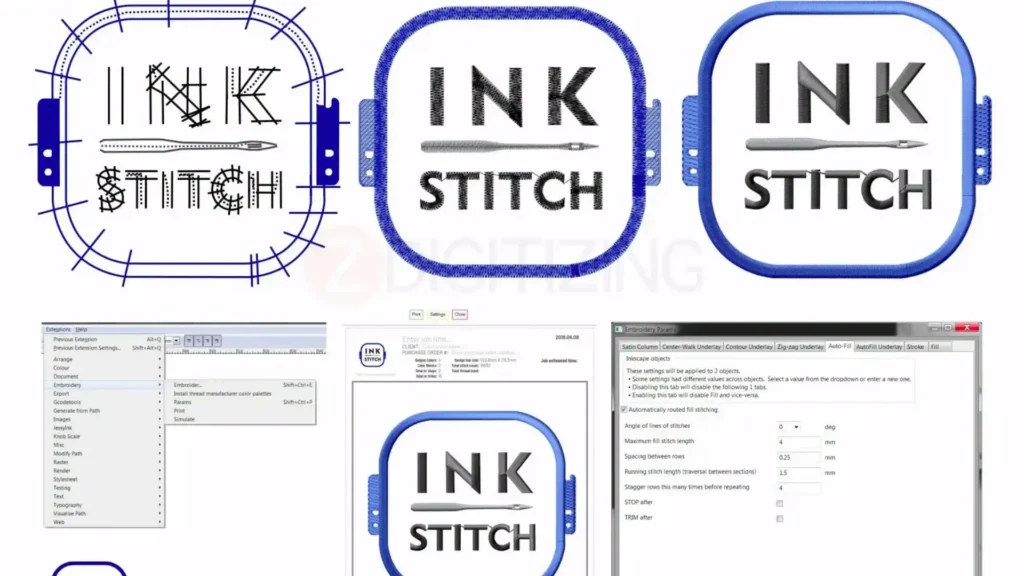
Program D — Inkscape with Embroidery Plugins (Best Free Option)
Inkscape with Embroidery Plugins (Best Free Option)
Who it’s for: Budget-conscious users, hobbyists, and those who want a free embroidery digitizing software with basic tools.
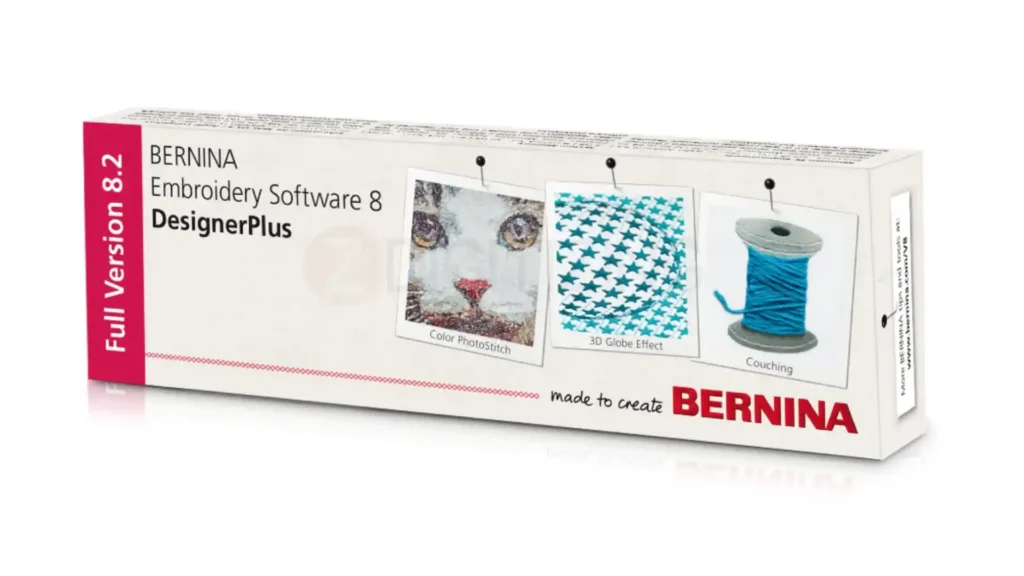
Program E — Bernina V8 (Powerful for Quilting & Embroidery)
Bernina V8 (Powerful for Quilting & Embroidery)
Who it’s for: Quilters, embroiderers, and users of Bernina machines who want integrated design and embroidery tools.
Key features:
Strong design and lettering tools
Good embroidery format support
Integrated with Bernina hardware
Visual stitch preview
Advanced editing program to digitize embroideryfor experienced users
Strengths:
Great for quilting + embroidery workflows
Strong brand support for Bernina users
Weaknesses:
Expensive
Heavily tied to Bernina ecosystem
Pricing snapshot & trial/free version note: Bernina V8 is a paid professional embroidery software with occasional demos.
Quick workflow example:
Import your image into Bernina V8.
Use auto-trace or manual tools to create paths.
Assign stitch types and adjust density.
Preview the design.
Export in your machine’s format.
Bernina V8 is a strong program to digitize embroidery for Bernina users.
Program F — Ricoh / Tajima DG/M by Pulse (Enterprise-Level)
Ricoh Tajima DGM by Pulse (Enterprise-Level)
Who it’s for: Large embroidery businesses, industrial studios, and enterprises needing high-volume, high-quality digitizing.
Key features:
Enterprise-grade manual digitizing tools
Advanced stitch control and optimization
Wide format support
Integration with industrial machines
Strong support and training options
Strengths:
This program to digitize embroiderybuilt for high-volume production
Extremely precise control
Weaknesses:
Very expensive
Overkill for hobbyists and small shops
Pricing snapshot & trial/free version note: Pulse DG/M is a high-end professional embroidery software with custom pricing.
Quick workflow example: convert image to embroidery file:
Import your image into Pulse DG/M.
Use advanced tools to define stitch types and flow.
Fine-tune underlay, pull, and density for industrial machines.
Simulate and optimize for speed and quality.
Export in the required industrial format.
Pulse DG/M is the best program to digitize embroidery for large-scale production.
Free vs Paid Embroidery Software : When to Upgrade
Free embroidery digitizing software is great for learning and simple projects, but paid software gives you better stitch control and full format support. Upgrade when you need professional quality for business or production work.
What free programs can and cannot do
A free embroidery digitizing program like Inkscape + Ink/Stitch or Hatch Free can:
Create basic designs
Auto-trace images
Export limited formats
But they often lack:
Advanced stitch control
Full format support
Professional underlay and pull compensation
Strong customer support
When paying makes sense
Upgrade to a paid software to digitize embroidery if you:
Run a business and sell designs
Need high-quality output consistently
Work with many machine formats
Need advanced features like complex underlay and compensation
For clients and production, the best program for embroidery digitizing is usually paid.
Pro Tips & Common Mistakes During Digitizing
Smart digitizing choices prevent puckering, thread breaks, and messy text. Avoid common errors in the program to digitize embroidery like wrong density, poor underlay, and skipping test sews.
Stitch density and pull compensation quick rules
For stretchy fabrics, increase pull compensation.
Small text needs lower density and careful satin width.
Underlay strategies for different fabrics
Underlay strategies for different fabrics
Use running underlay for light fabrics.
Use satin underlay for borders and text.
Use fill underlay for large areas on thick fabric.
Export and machine test-run checklist
Check stitch count and design size.
Confirm format matches your machine.
Do a test sew on scrap fabric.
Adjust density and pull based on results.
These tips show why experience matters when choosing a program to digitize embroidery.
Pricing, Licensing & Support Considerations
The right pricing model and support level can make learning a program much easier and more affordable. Choose between subscription and one-time licenses based on your budget and how often you need updates.
Subscription vs one-time purchase pros/cons
Subscription: Lower upfront cost, regular updates, but ongoing cost.
One-time: Higher upfront, no recurring fees, but fewer automatic updates.
Training and community resources
Hatch has built-in tutorials.
Wilcom offers official training and user communities.
Inkscape has large online forums and tutorials.
Good support makes learning a program to digitize embroidery much easier.
Conclusion
Choosing the right program to digitize embroidery depends on your skill level, budget, and goals. For professionals, Wilcom EmbroideryStudio is the top choice. For beginners, Hatch offers the best balance of power and ease. For free options, Inkscape + Ink/Stitch is the leading free embroidery digitizing software.
If you’re ready to start, try a free version first (like Hatch Free), then upgrade to a paid software to digitize embroidery when you need more power and format support.
While software helps, quality machine embroidery digitizing services in Germany and globally still depend on expert human touch for tricky fabrics, caps, and small text. For consistent, high-quality output, especially for client work or production, professional embroidery digitizing often delivers the best results.
ZDigitizing provides digitizing services with over 10+ years of experience and expert digitizers who handle every stitch carefully. Our 24/7 customer support ensures fast turnaround, quality guaranteed on every order, and a preview provided before payment so you know exactly what you’re getting. Minor edits are free, prices are already lower than the market, and you can get 50% OFF on your first order.
If you’re ready to stop guessing and start getting premium results, visit ZDigitizing today, place your first order, and claim your 50% OFF. Experience premium embroidery digitizing quality with a program to digitize embroidery workflow backed by true experts.
Are you looking for embroidery digitizing and vector art services at low cost with superfast turnaround, guarranted quality and preview before pay? So, you are at right place. We can digitize and vectorize any type of artwork in your required file format.